

Branded customer email notifications
Delivery notifications in Track-POD Web are better than ever. Check out the new look of our notifications settings + brand-new features you can use today to get the most out of shipping updates.
Read More
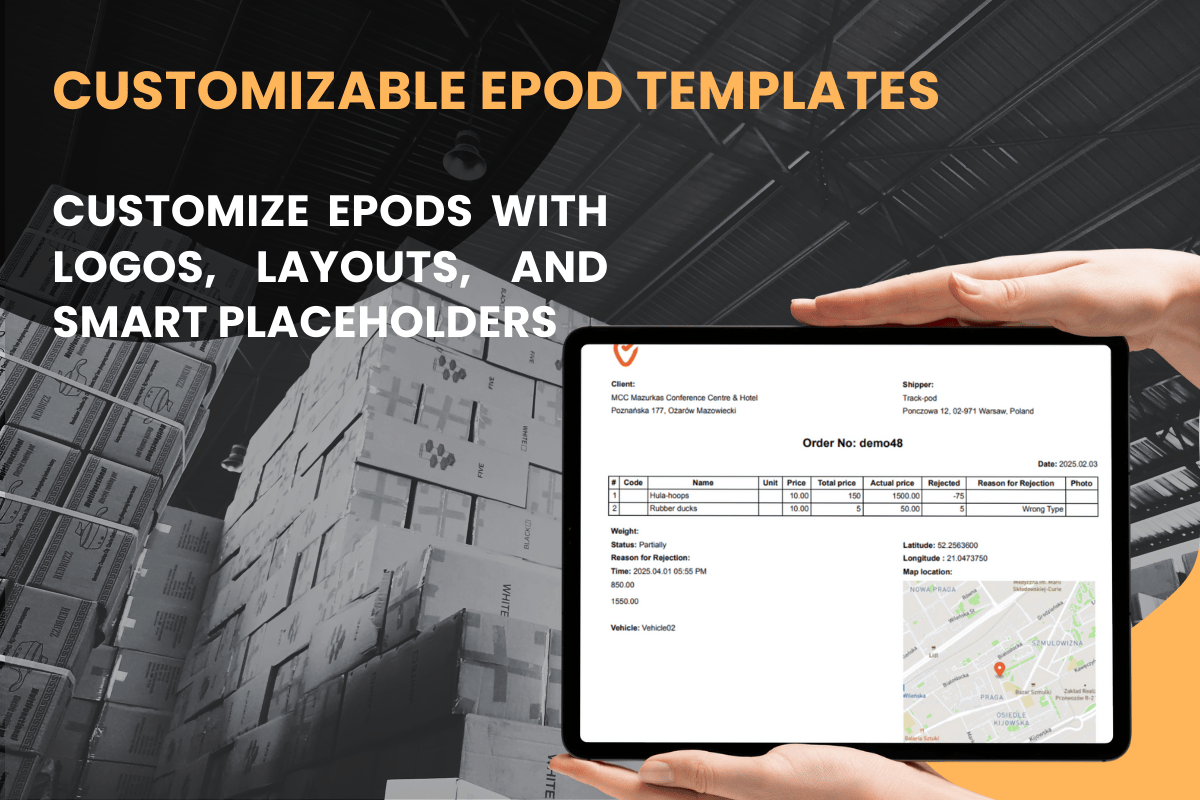
Track-POD now gives you more configuration when creating the PDF ePOD sent to your customers. With the robust variety of data placeholders, you can ensure every delivery or pickup is documented exactly the way you want it. With our new extended ePOD template feature, you can easily adjust the layout, replace the default logo with your company’s emblem, and insert a host of placeholders that capture critical details.
On this page:
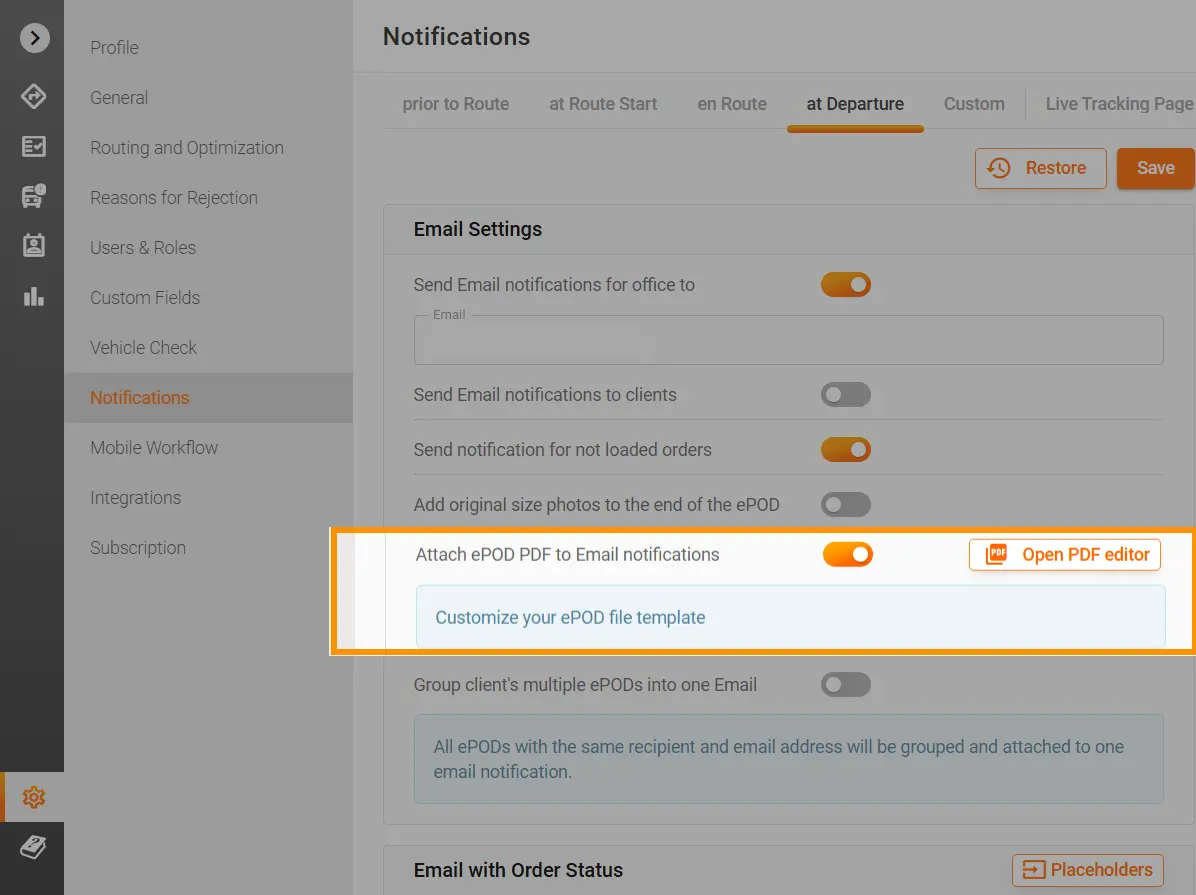
Head to Settings > Notifications > at Departure > Open PDF editor to launch the PDF Editor. If you’re new to editing the template, it will appear in its default view. Unsatisfied with your modifications? Simply click the Restore button to revert to the original layout.
To learn how to get started with the PDF editor, you can read this helpful guide.
Important: Only add the Goods Table placeholders to the Goods Table at the top of the PDF. All goods-related placeholders must be inserted within the table. You can remove unnecessary columns using the toolbar, but ensure the overall table structure remains intact.
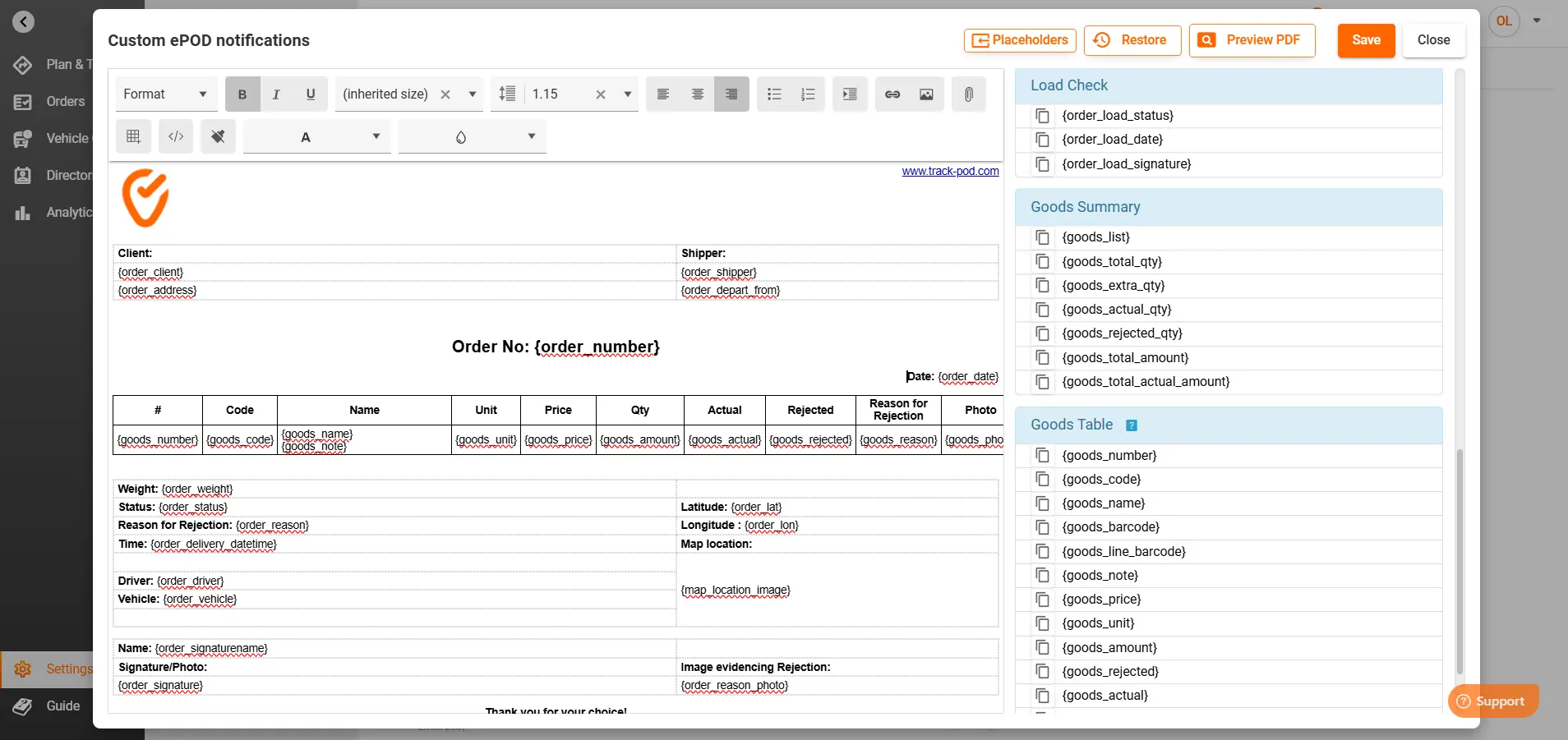
Track-POD has enhanced the ePOD with new, powerful placeholders for the Goods section and beyond:
{goods_total_price} & {goods_total_actual_price}:
{goods_total_price} displays the full price of the order as entered.
{goods_total_actual_price} reflects the actual price after considering overdelivery and rejected items once the route is closed.
Impact: Provides accurate financial reconciliation and accountability, ensuring that any discrepancies are immediately visible. You can immediately see, with which goods the plan went awry and in which direction.
{order_photo} & {order_signature_photo}:
{order_photo} pulls in the photo of the delivered order, while {order_signature_photo} displays the captured signature.
Impact: You could specify to just add the photo or the signature to avoid duplicating the workcritical for both customer satisfaction and dispute resolution.
Goods Summary Placeholders:
{goods_total_actual_amount} and {goods_total_amount}
These placeholders display the total actual and expected price amounts for the goods, respectively.
Impact: By comparing these figures, businesses can assess discrepancies due to rejected or overdelivered items, ensuring transparency and precise billing.
Drivers record rejection and overdelivery details directly in the mobile app’s Goods page:
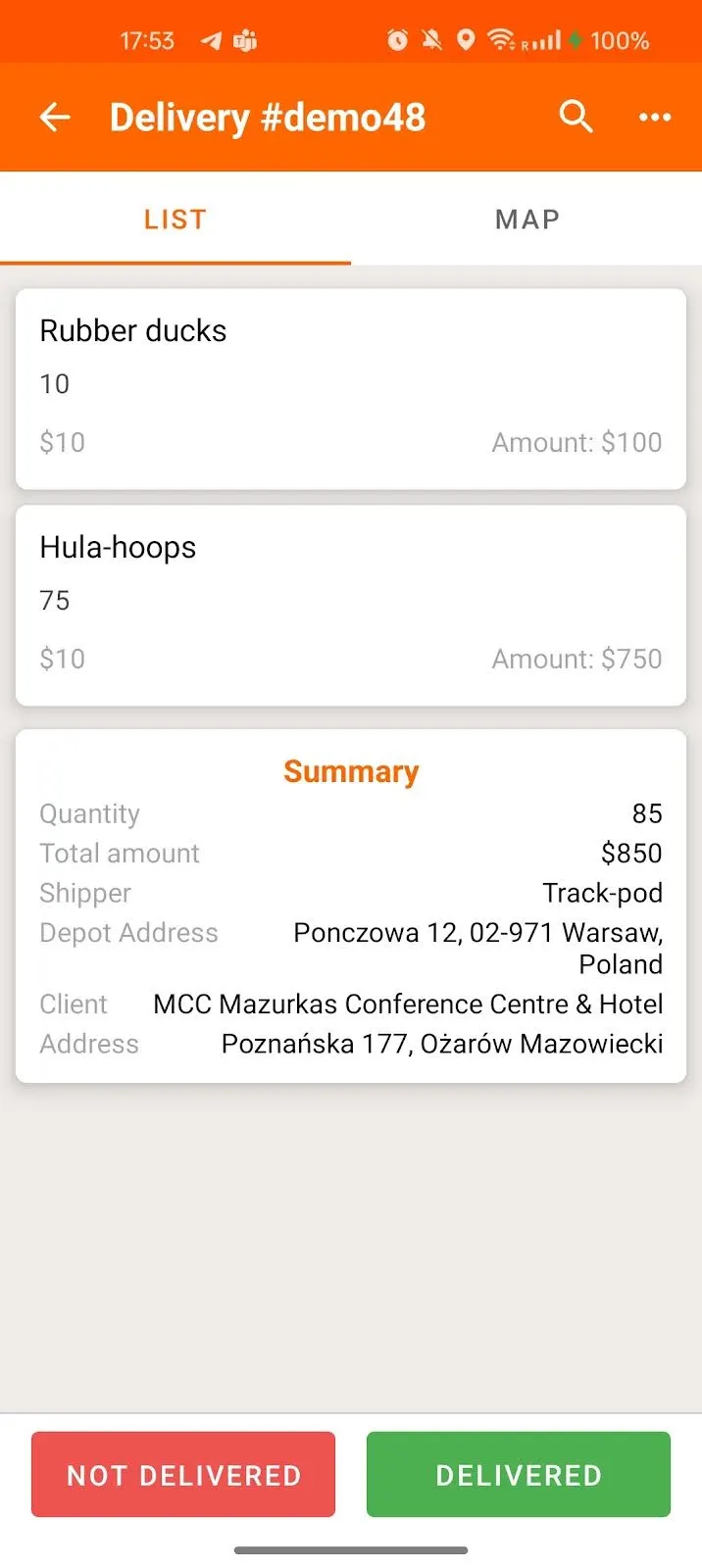
They can specify how many items were rejected, the reasons for rejection, and any overdelivery amounts.
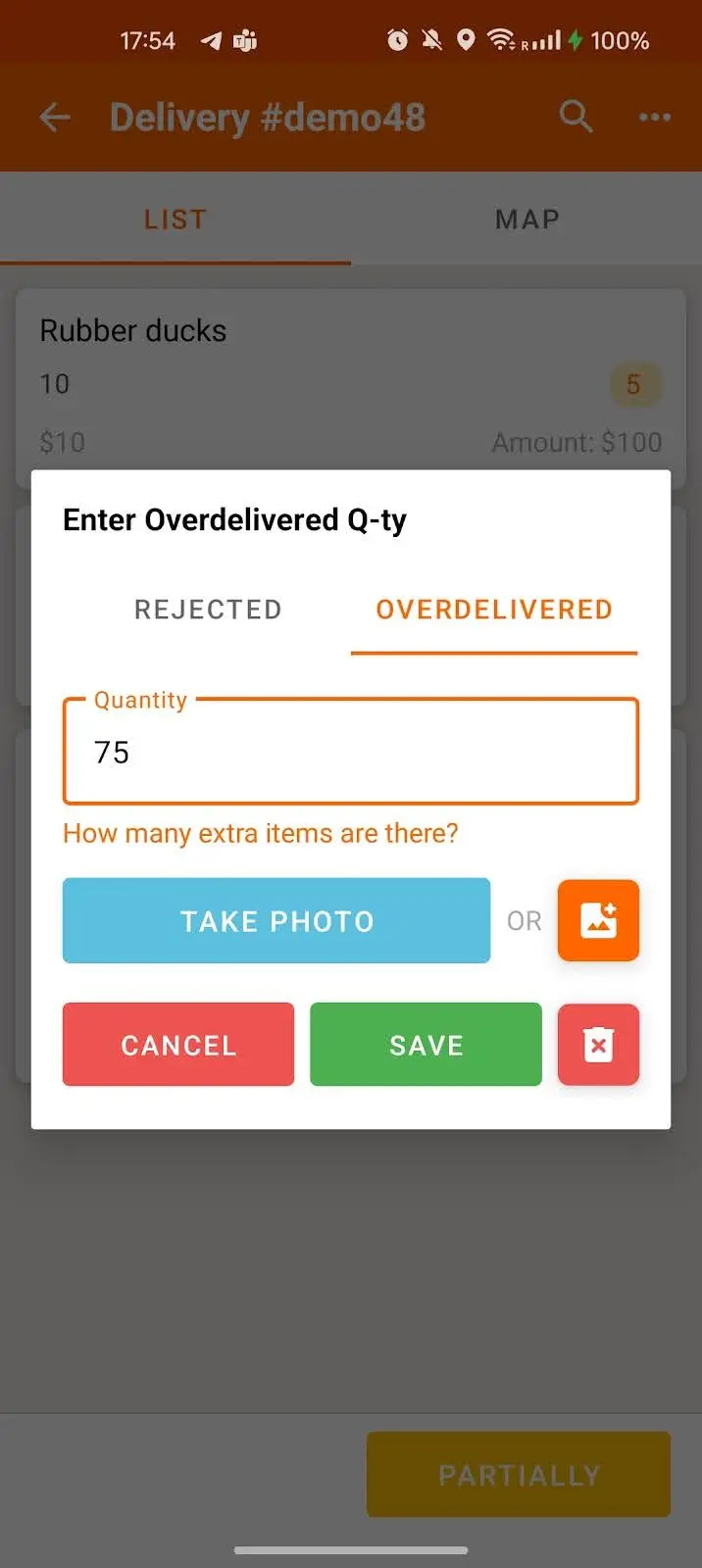
These metrics directly influence the {goods_total_actual_price} placeholder in the ePOD, providing a true picture of the order’s financial outcome.
Once the order is complete and the route is closed, dispatchers can view the final ePOD by going to Plan & Track > Orders, selecting the order number, clicking the hamburger menu, and choosing ePOD. The PDF generated will reflect all your configured placeholders, including the actual price adjustments.
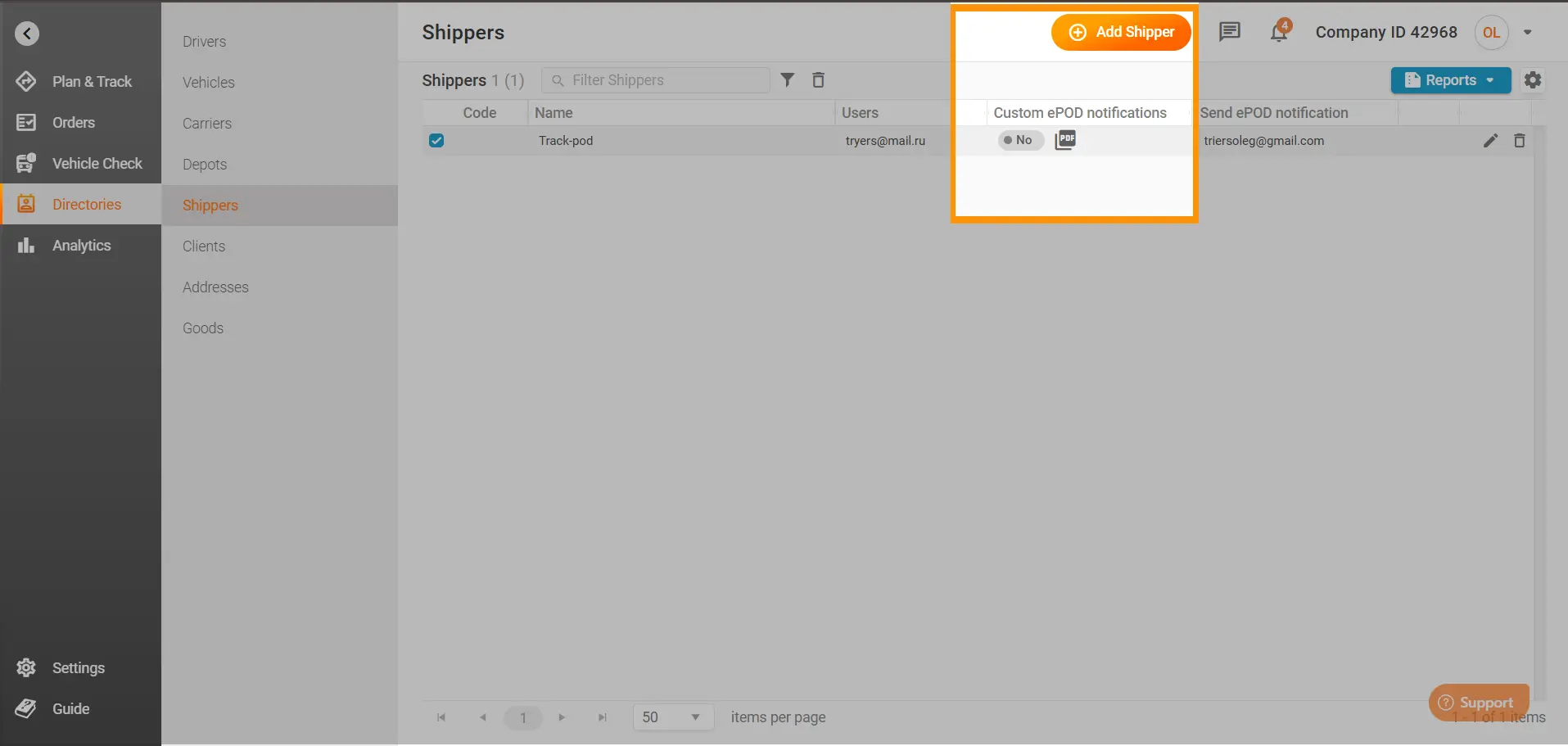
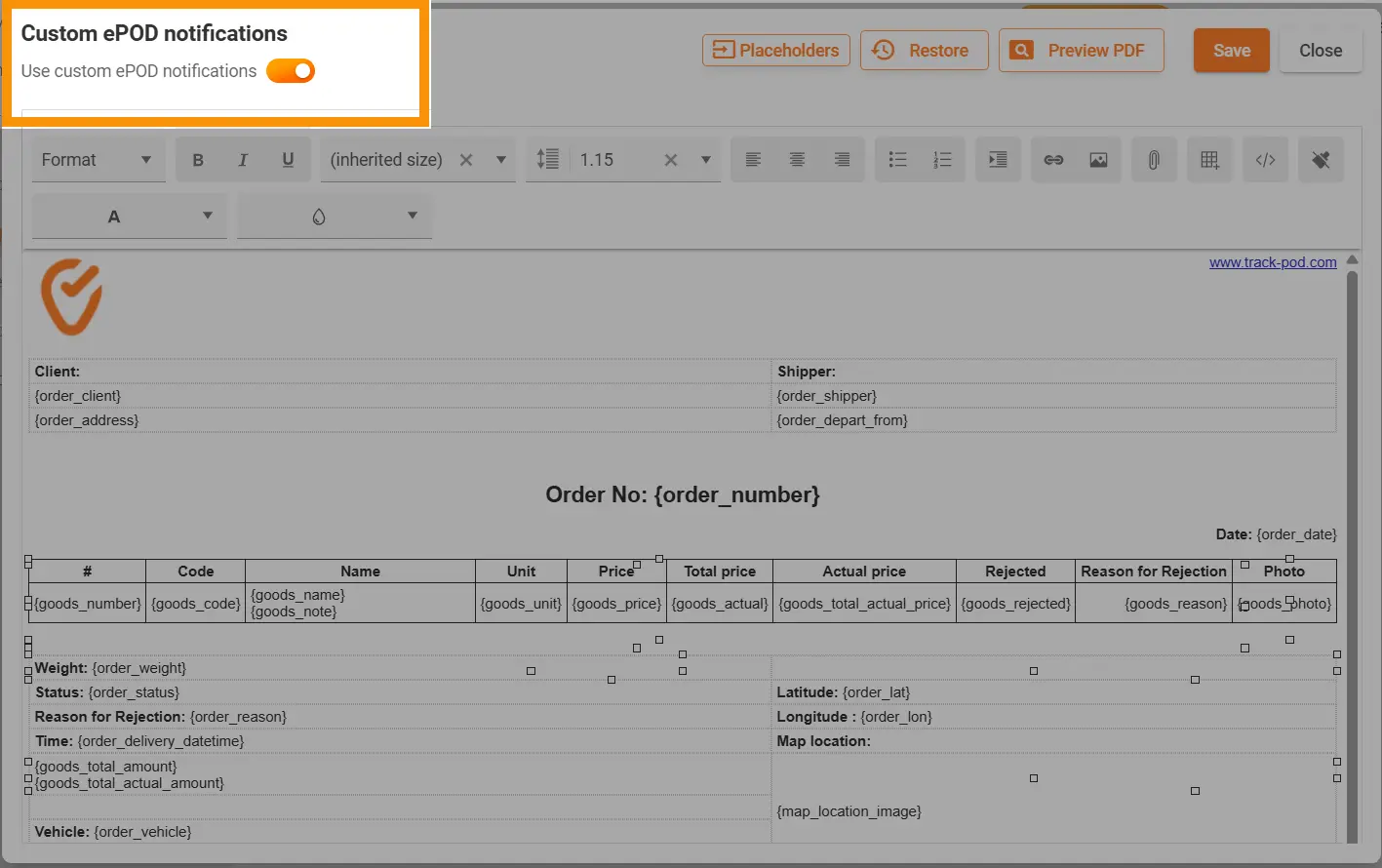
Additionally, if you navigate to Directories > Shippers, you can create a custom ePOD for each shipper. Simply click near the shipper’s name and configure the placeholders as you would in the Settings.
By toggling the Use custom ePOD notifications button, each shipper can receive a tailored ePOD that meets their specific requirements:
Use Case:
A shipper with specialized reporting needs can have a unique ePOD format that emphasizes delivery instructions and customer notes, enhancing their internal reconciliation process.
Get Started Today
Transform your customer communications with a fully customized ePOD that captures every detail of your delivery process. Track-POD’s extended and customizable ePOD template gives you the power to brand your documentation, adjust critical financial figures, and enhance overall transparency—putting you in full control of your last-mile delivery experience.
Delivery notifications in Track-POD Web are better than ever. Check out the new look of our notifications settings + brand-new features you can use today to get the most out of shipping updates.
Read More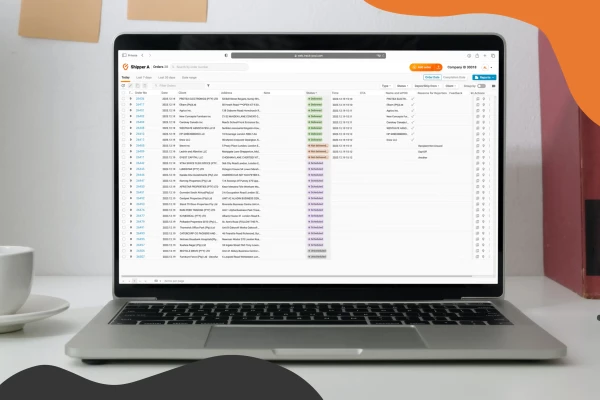
Use Track-POD client portal software to create accounts for your shippers and let them add, track, print shipping labels, and download Proof of Delivery for their orders.
Read More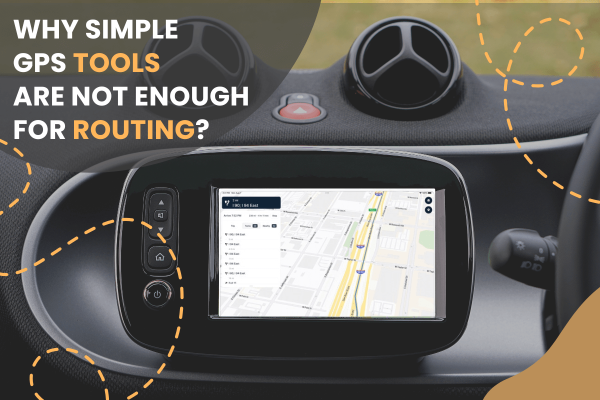
Track-POD integrates with leading navigation apps, including Google Maps, Waze, Hammer, HERE We Go, Sygic, Mapy. cz, and now TruckMap. Choose the GPS navigator that best suits your business needs in 2026.
Read More