

Rates & Billing: Rates, Surcharges and Taxes
A closer look at Rates & Billing: the eight rate types, flat-rate surcharges, how overlapping services combine, how taxes stack, when charges are recalculated, and where to review them.
Read More
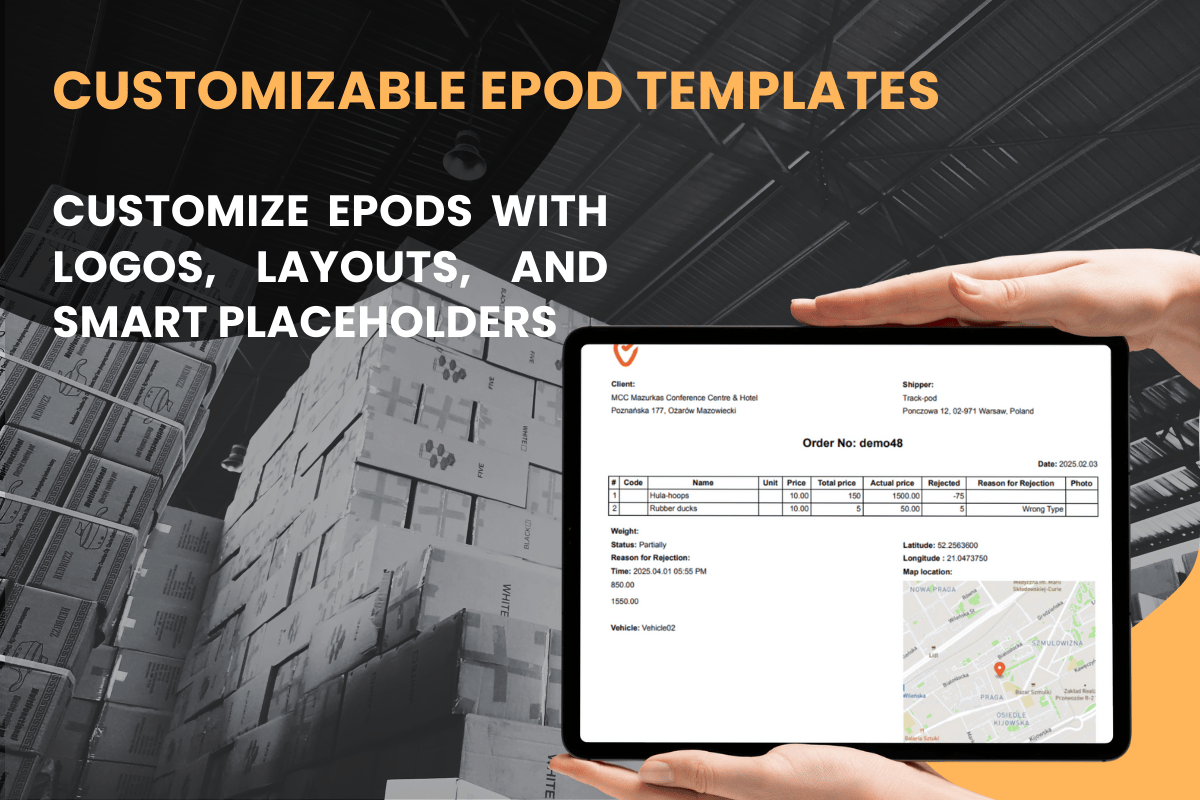
Track-POD now gives you more configuration when creating the PDF ePOD sent to your customers. With the robust variety of data placeholders, you can ensure every delivery or pickup is documented exactly the way you want it. With our new extended ePOD template feature, you can easily adjust the layout, replace the default logo with your company’s emblem, and insert a host of placeholders that capture critical details.
On this page:
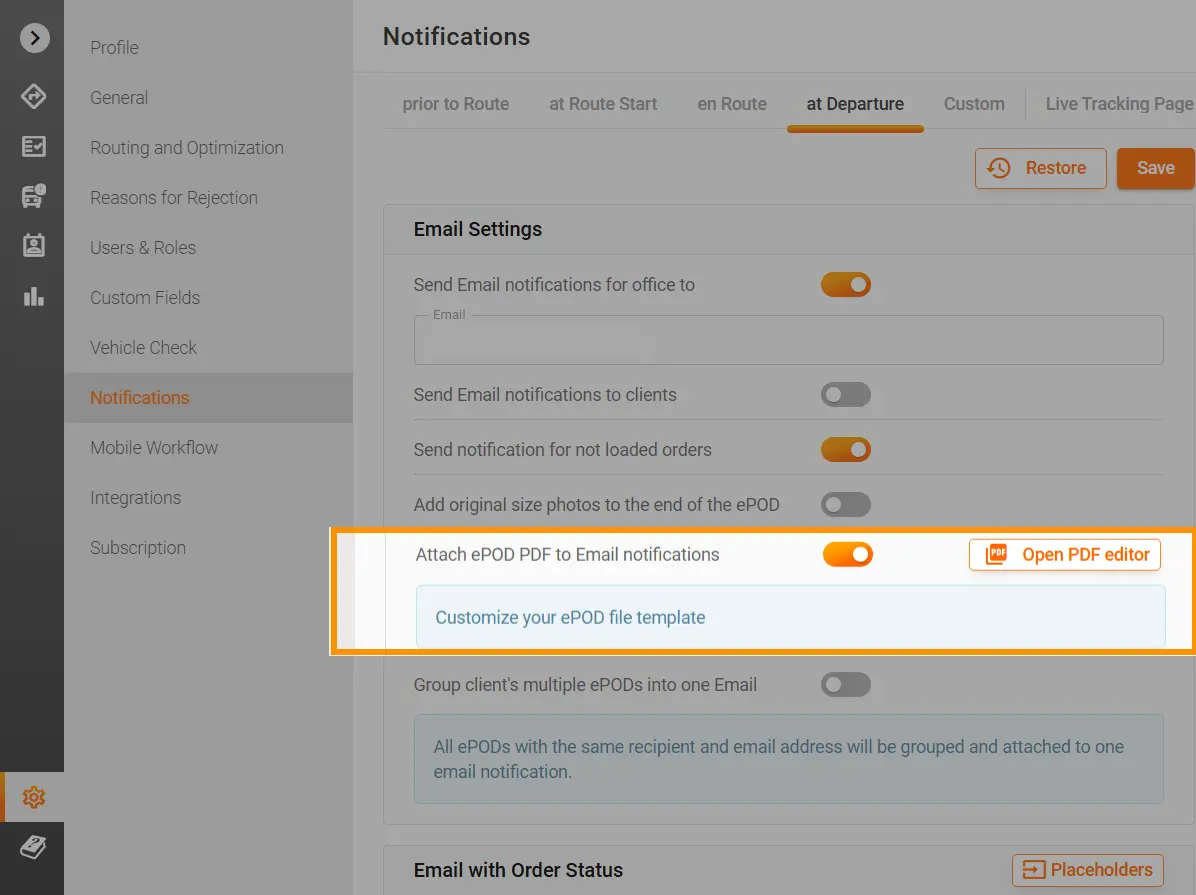
Head to Settings > Notifications > at Departure > Open PDF editor to launch the PDF Editor. If you’re new to editing the template, it will appear in its default view. Unsatisfied with your modifications? Simply click the Restore button to revert to the original layout.
To learn how to get started with the PDF editor, you can read this helpful guide.
Important: Only add the Goods Table placeholders to the Goods Table at the top of the PDF. All goods-related placeholders must be inserted within the table. You can remove unnecessary columns using the toolbar, but ensure the overall table structure remains intact.
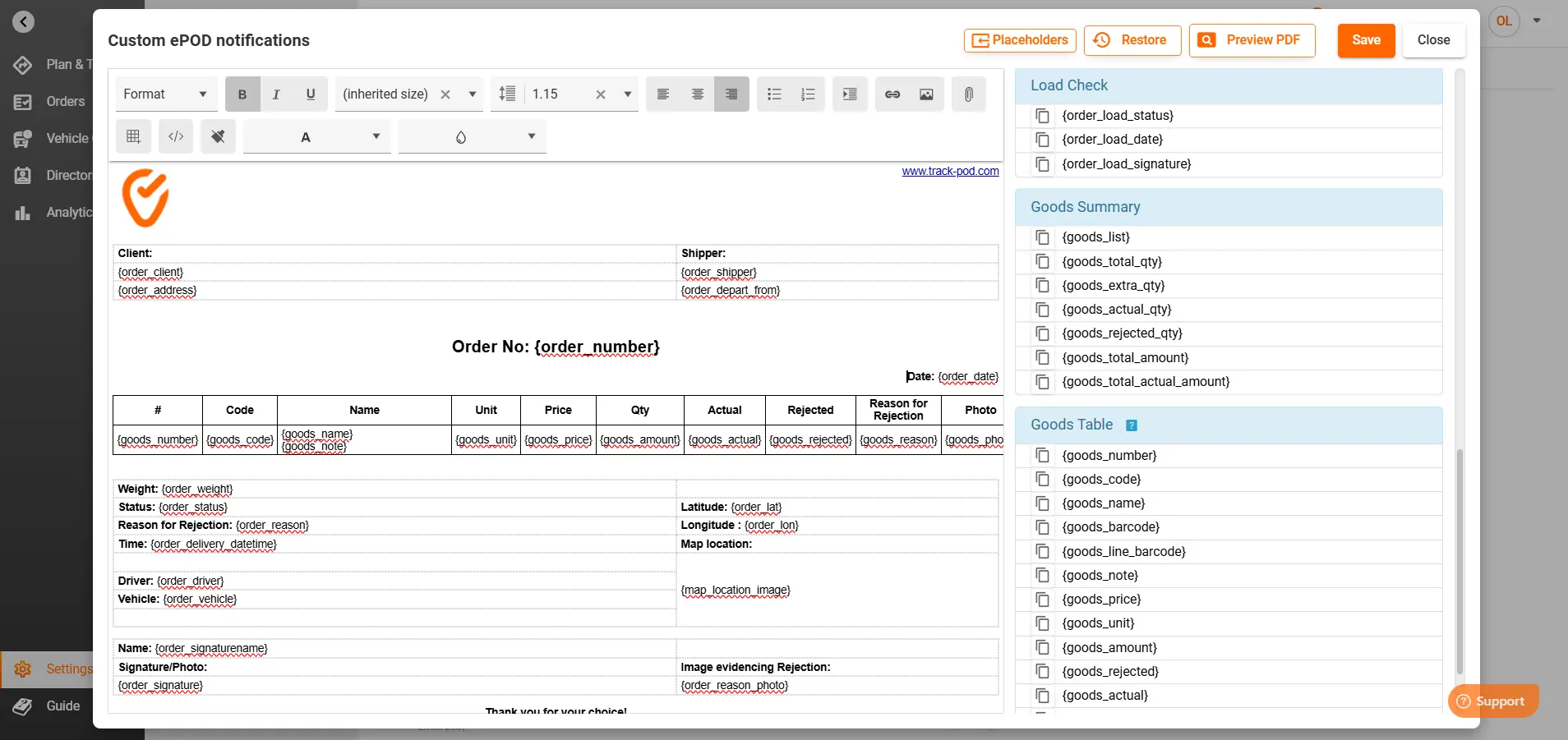
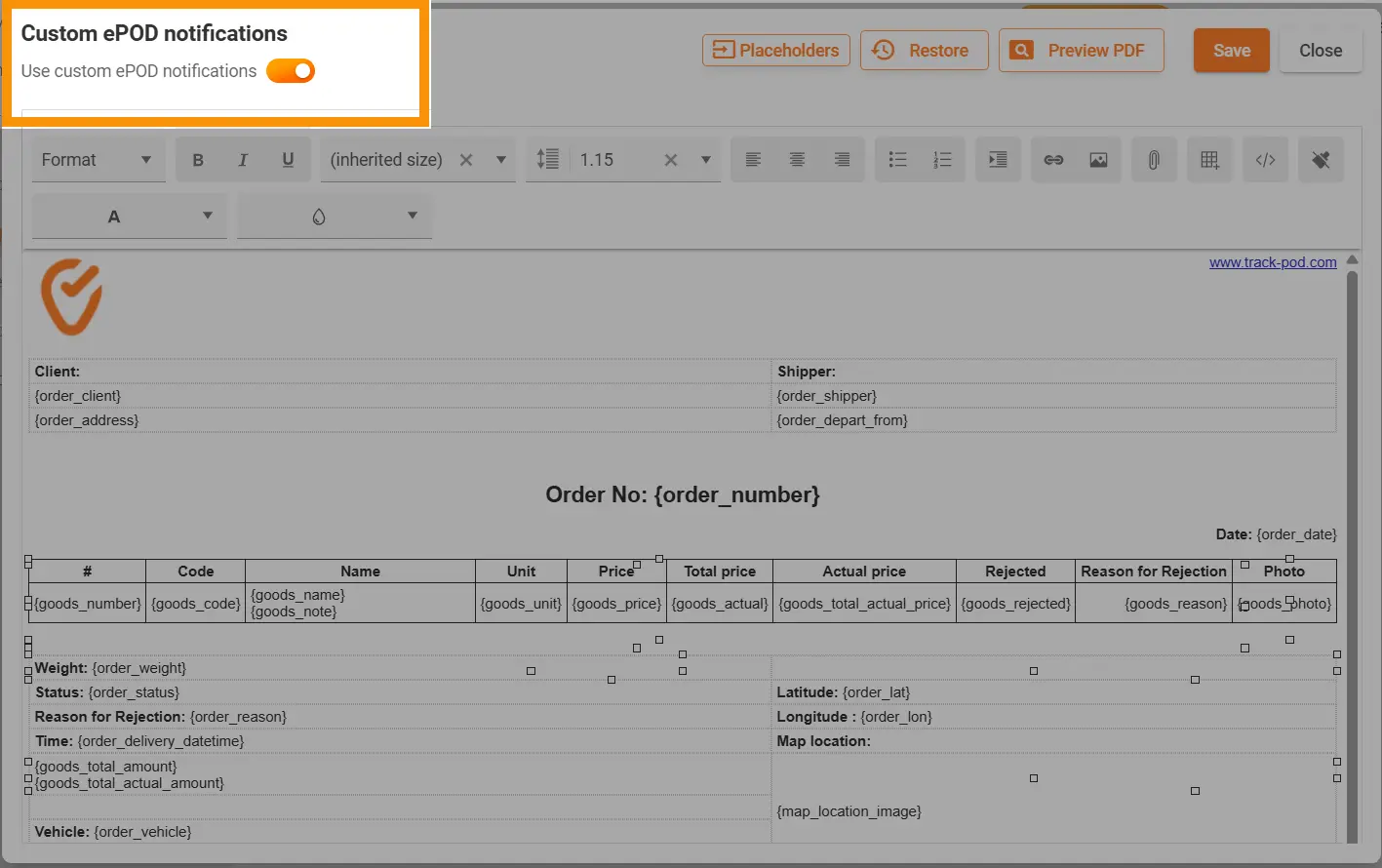
Track-POD has enhanced the ePOD with new, powerful placeholders for the Goods section and beyond:
{goods_total_price} & {goods_total_actual_price}:
{goods_total_price} displays the full price of the order as entered.
{goods_total_actual_price} reflects the actual price after considering overdelivery and rejected items once the route is closed.
Impact: Provides accurate financial reconciliation and accountability, ensuring that any discrepancies are immediately visible. You can immediately see, with which goods the plan went awry and in which direction.
{order_photo} & {order_signature_photo}:
{order_photo} pulls in the photo of the delivered order, while {order_signature_photo} displays the captured signature.
Impact: You could specify to just add the photo or the signature to avoid duplicating the workcritical for both customer satisfaction and dispute resolution.
Goods Summary Placeholders:
{goods_total_actual_amount} and {goods_total_amount}
These placeholders display the total actual and expected price amounts for the goods, respectively.
Impact: By comparing these figures, businesses can assess discrepancies due to rejected or overdelivered items, ensuring transparency and precise billing.
Drivers record rejection and overdelivery details directly in the mobile app’s Goods page:
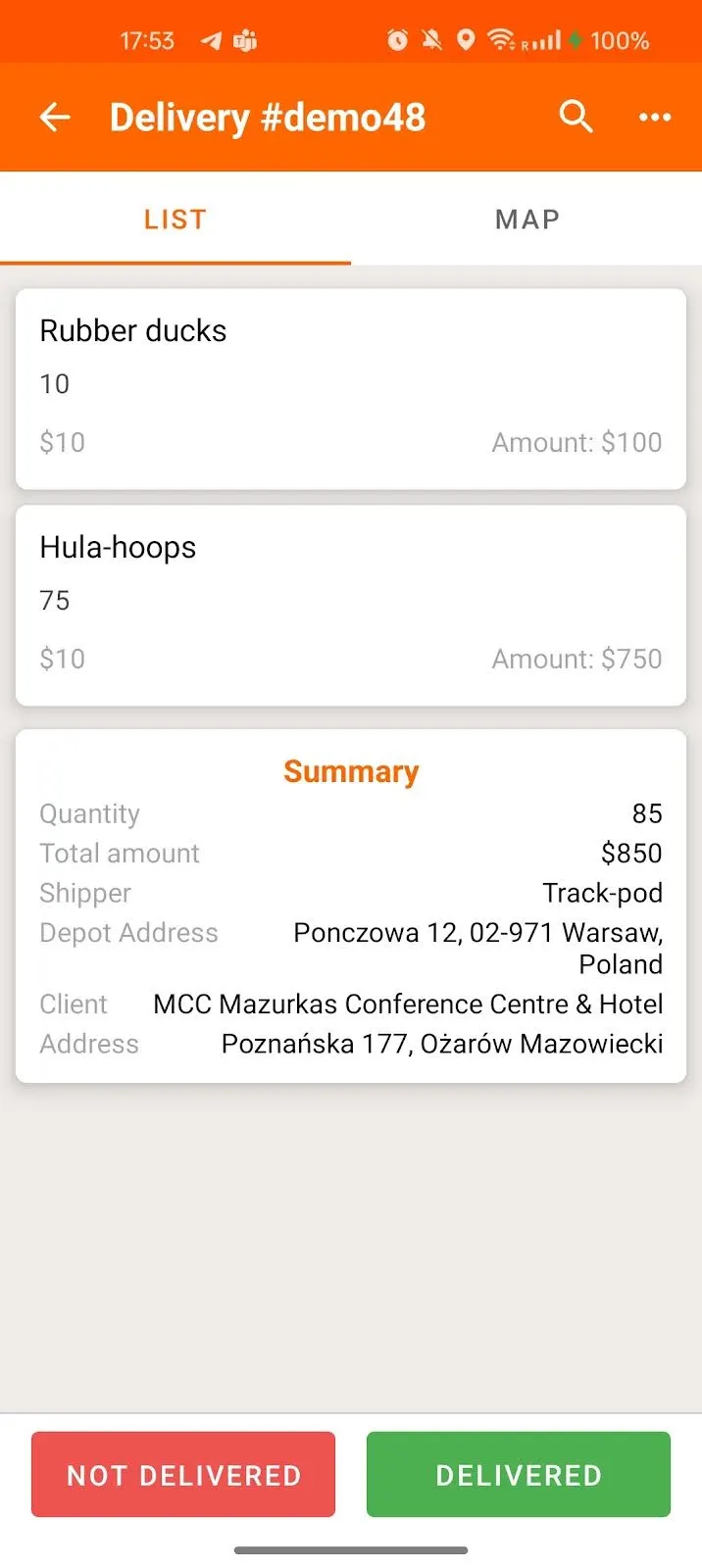
They can specify how many items were rejected, the reasons for rejection, and any overdelivery amounts.
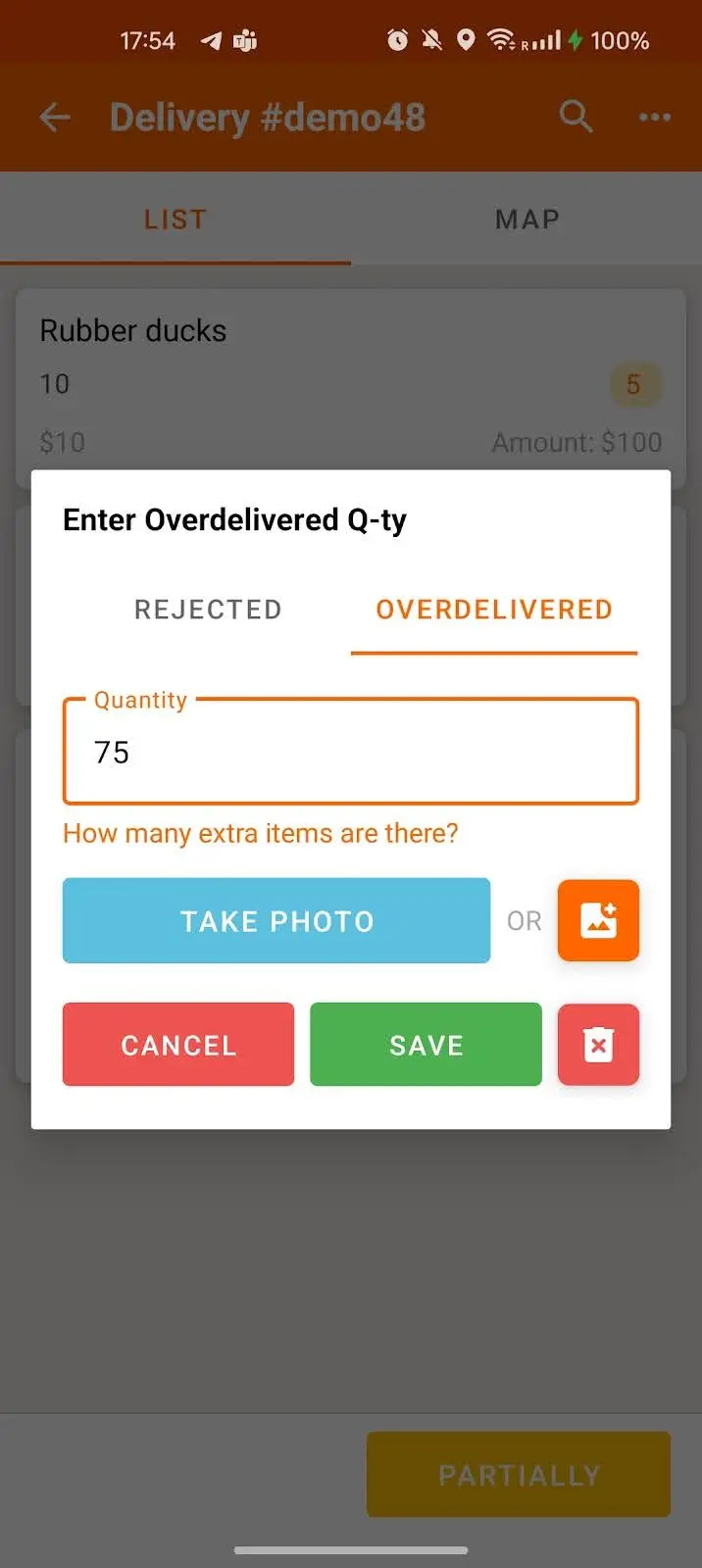
These metrics directly influence the {goods_total_actual_price} placeholder in the ePOD, providing a true picture of the order’s financial outcome.
Once the order is complete and the route is closed, dispatchers can view the final ePOD by going to Plan & Track > Orders, selecting the order number, clicking the hamburger menu, and choosing ePOD. The PDF generated will reflect all your configured placeholders, including the actual price adjustments.
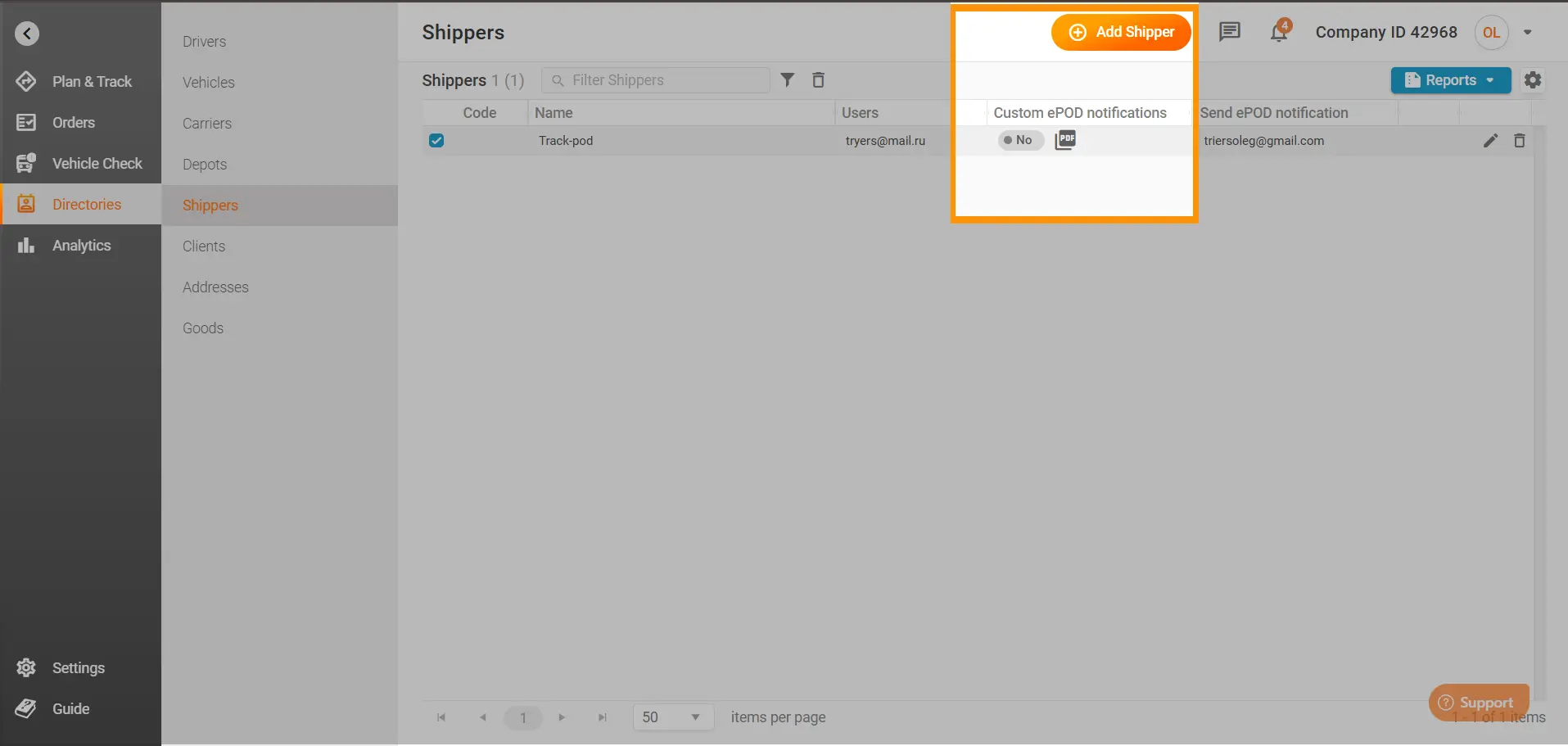
Additionally, if you navigate to Directories > Shippers, you can create a custom ePOD for each shipper. Simply click near the shipper’s name and configure the placeholders as you would in the Settings.
By toggling the Use custom ePOD notifications button, each shipper can receive a tailored ePOD that meets their specific requirements:
Use Case:
A shipper with specialized reporting needs can have a unique ePOD format that emphasizes delivery instructions and customer notes, enhancing their internal reconciliation process.
Get Started Today
Transform your customer communications with a fully customized ePOD that captures every detail of your delivery process. Track-POD’s extended and customizable ePOD template gives you the power to brand your documentation, adjust critical financial figures, and enhance overall transparency—putting you in full control of your last-mile delivery experience.
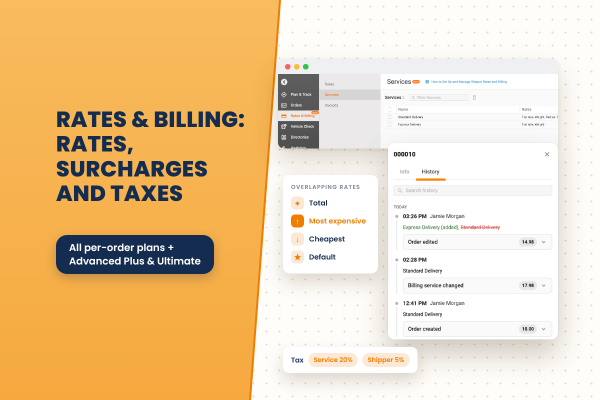
A closer look at Rates & Billing: the eight rate types, flat-rate surcharges, how overlapping services combine, how taxes stack, when charges are recalculated, and where to review them.
Read More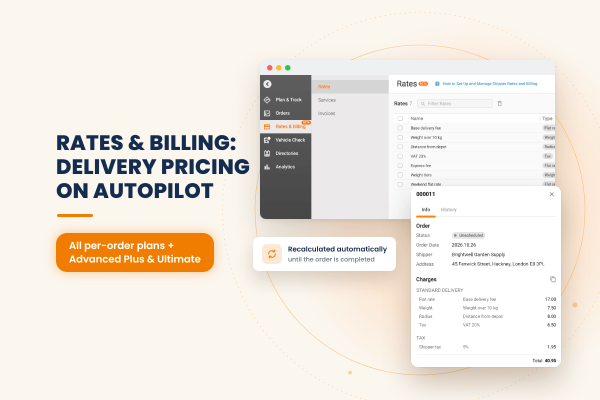
Track-POD now calculates delivery charges for you. Build pricing rules once, assign them to your shippers, and each order is priced automatically, updated as the order and its route change and frozen once it is completed.
Read More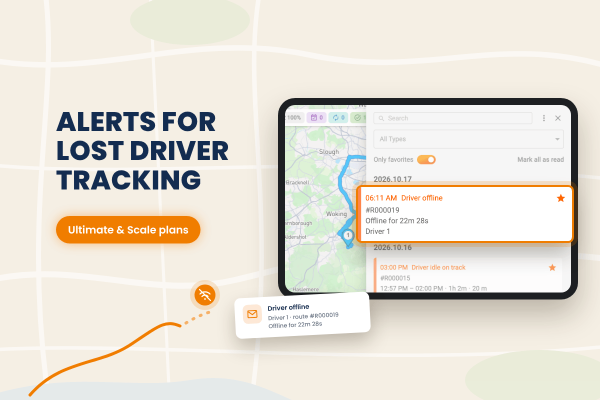
Track-POD now alerts dispatchers when a driver goes offline. You decide how long a driver can be idle or offline before the alert fires, and notifications can also arrive by email through your own mail service.
Read More