

Branded customer email notifications
Delivery notifications in Track-POD Web are better than ever. Check out the new look of our notifications settings + brand-new features you can use today to get the most out of shipping updates.
Read More
Track-POD offers a flexible and secure way to assign roles and responsibilities throughout your delivery management operations. Customize permissions for orders, routes, directories, depots, and more, to ensure each team member has precisely the level of access they need.
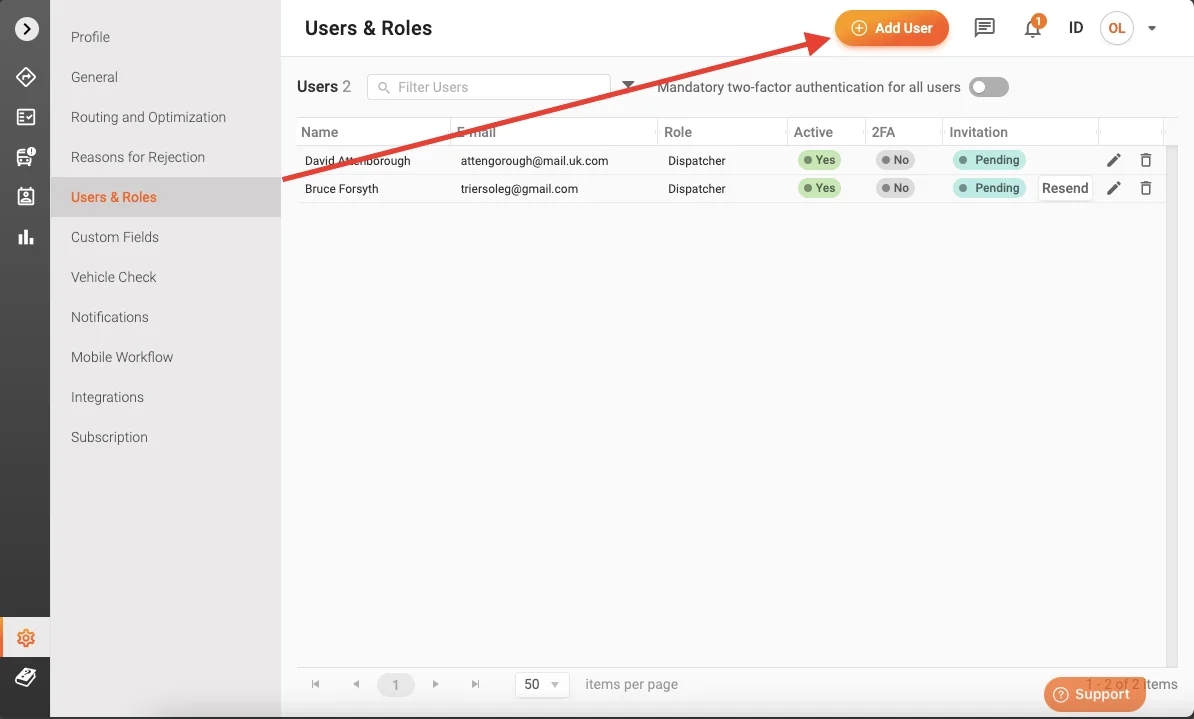
To manage users, go to Settings > Users & Roles. Based on your subscription plan, you can create a designated number of user accounts to administer the Track-POD dashboard.
To add a user:
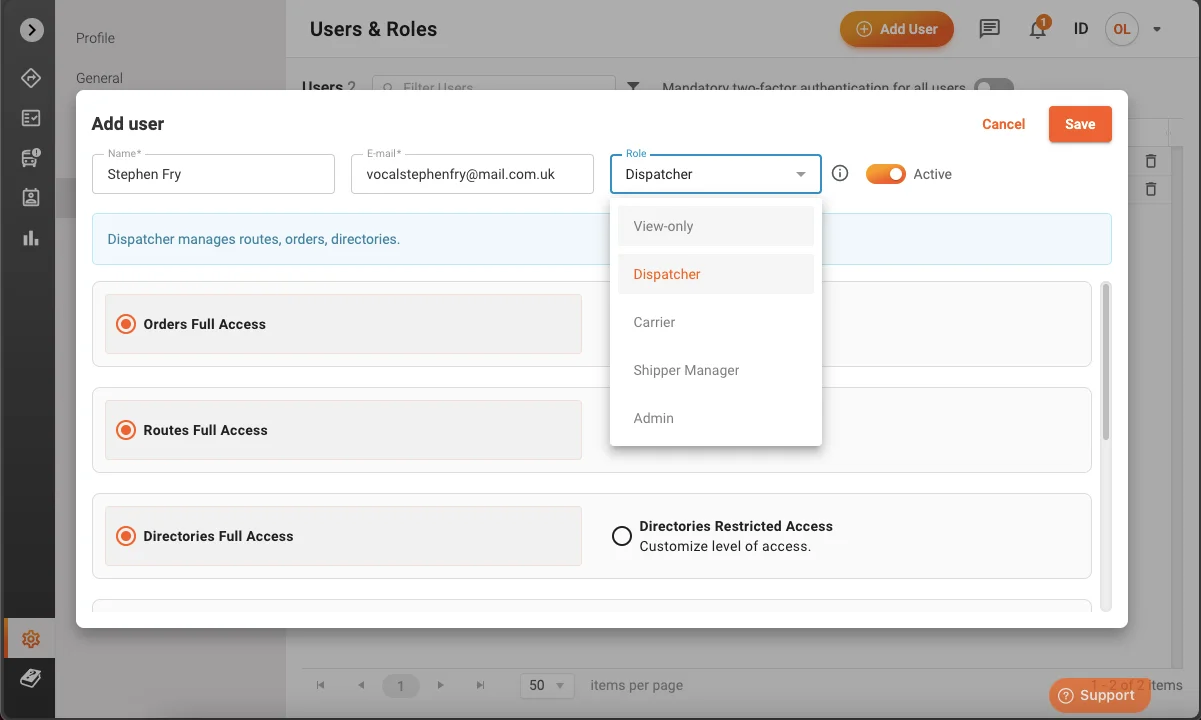
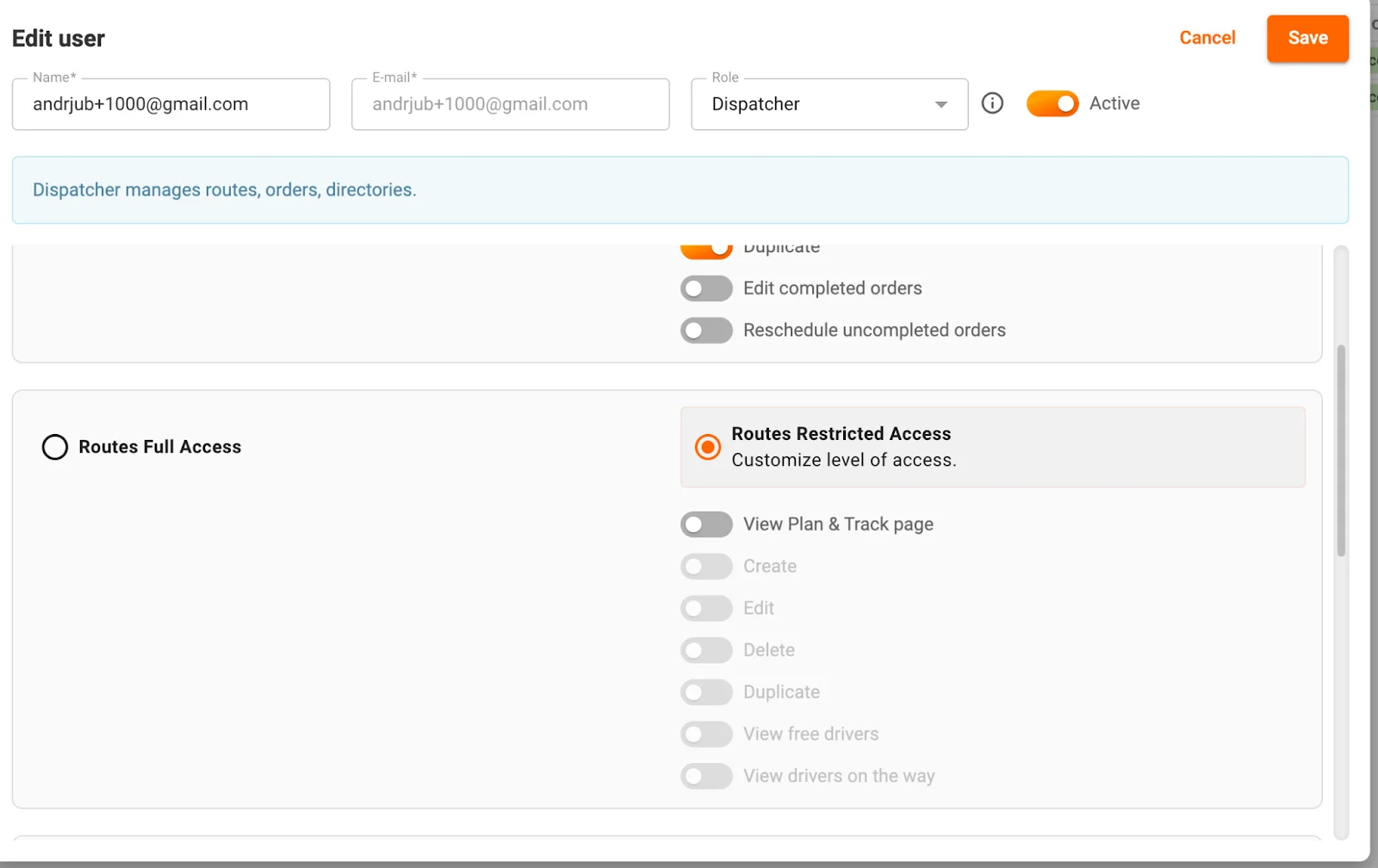
Once the system creates the user, you can edit their permissions and roles. However, you can’t edit the user’s email address, that field becomes read-only.
Note: Only the account owner and an Admin with proper assigned rights can manage Subscription settings and clear Directories to ensure business security.
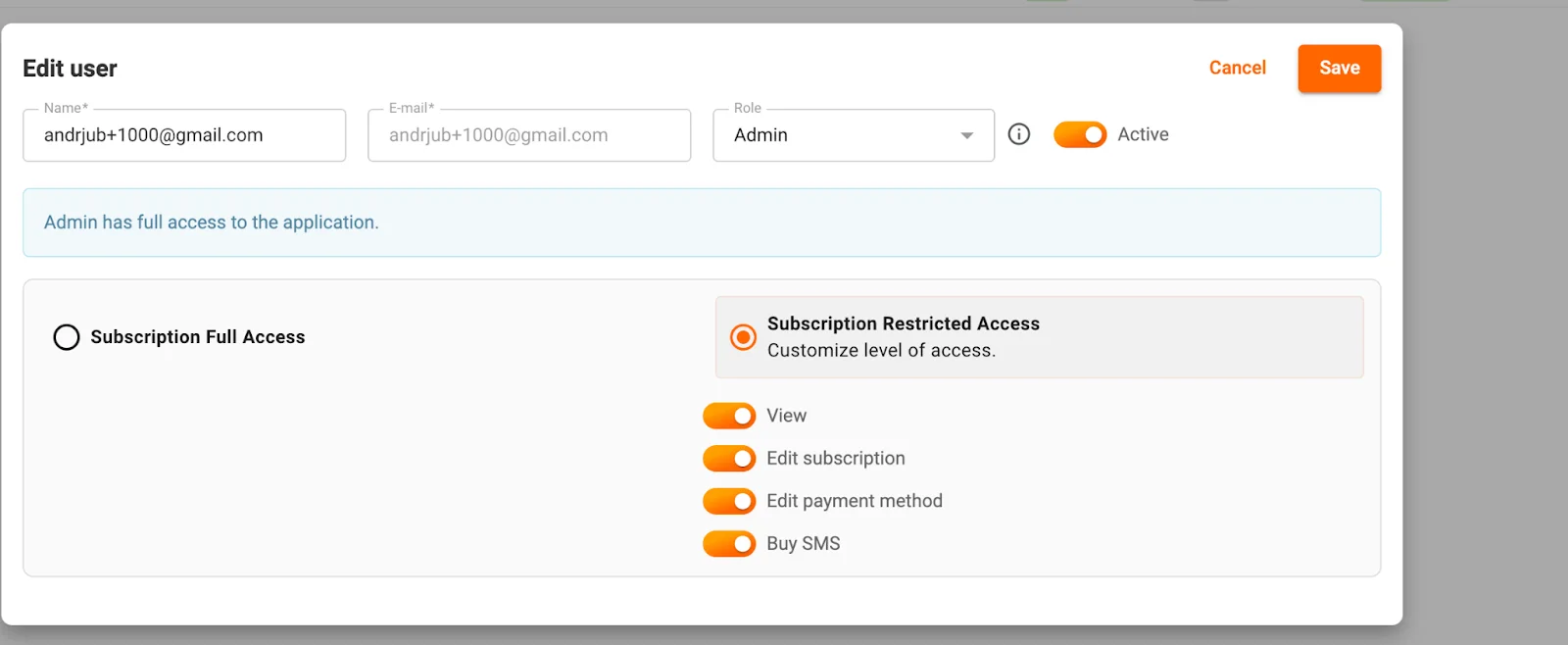
Track-POD allows you to adjust user permissions granularly by area to match your operational requirements.
For every area of user permissions, you’ll have two overall options:
Following is the explanation of the various toggles and specific configurations:
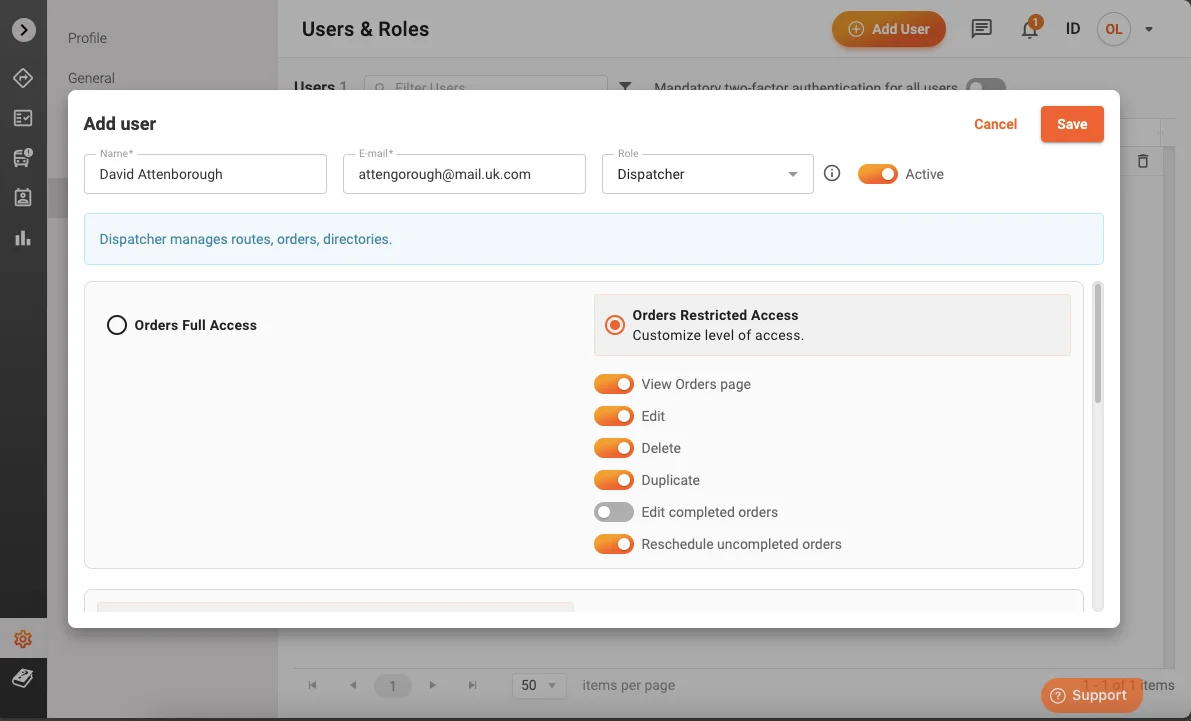
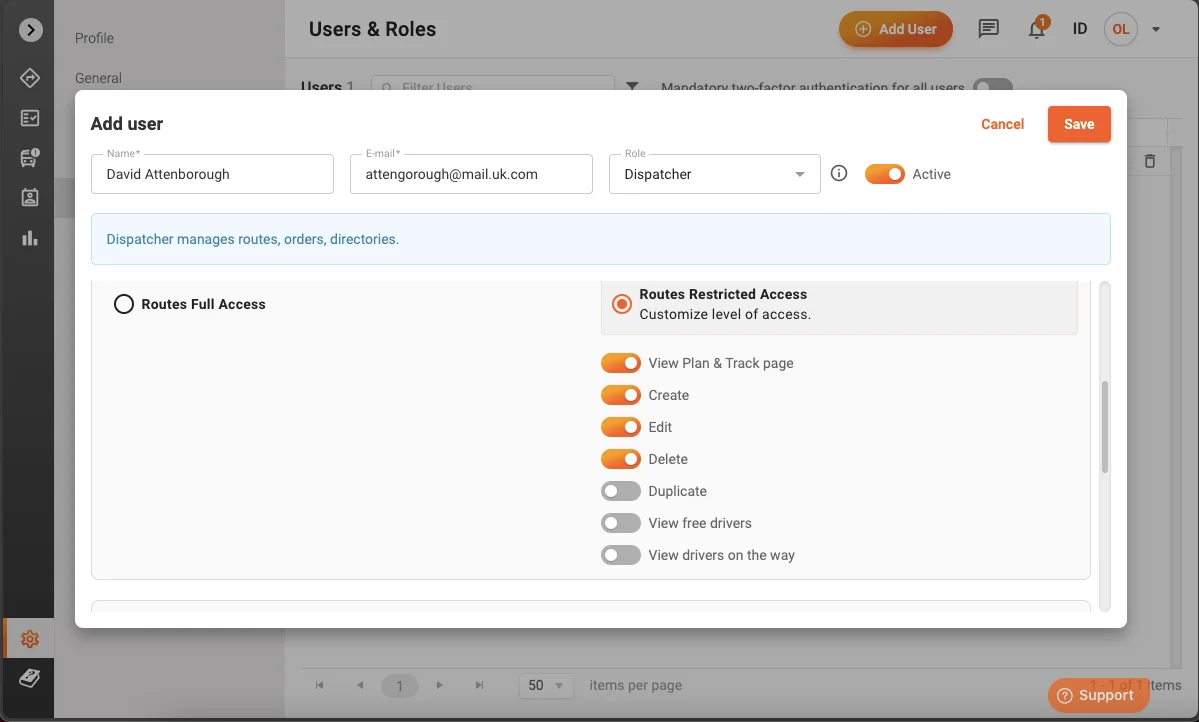
These settings restrict route management functions to authorized personnel, ensuring consistent and efficient delivery pathways.
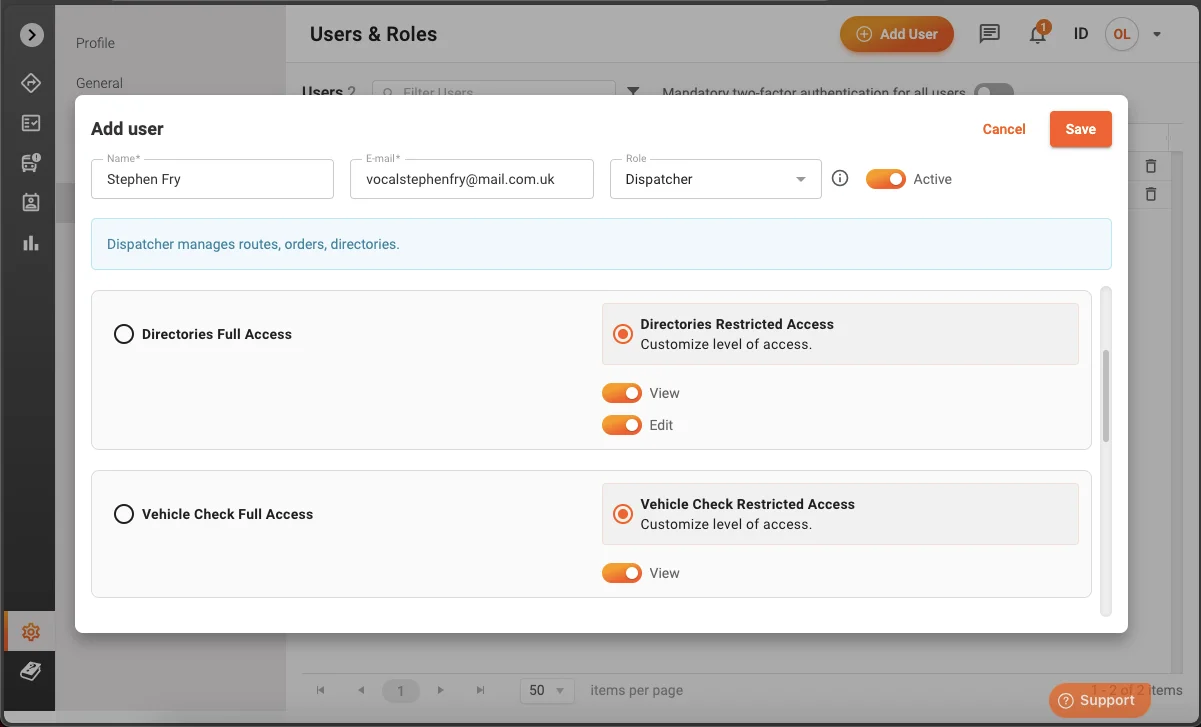
View: Allows users to see and review vehicle check details, including inspection records and related information.
When configuring Users & Roles permissions, you can select Users & Roles Full Access or Users & Roles Restricted Access. If you choose Users & Roles Restricted Access, the following toggle becomes available:
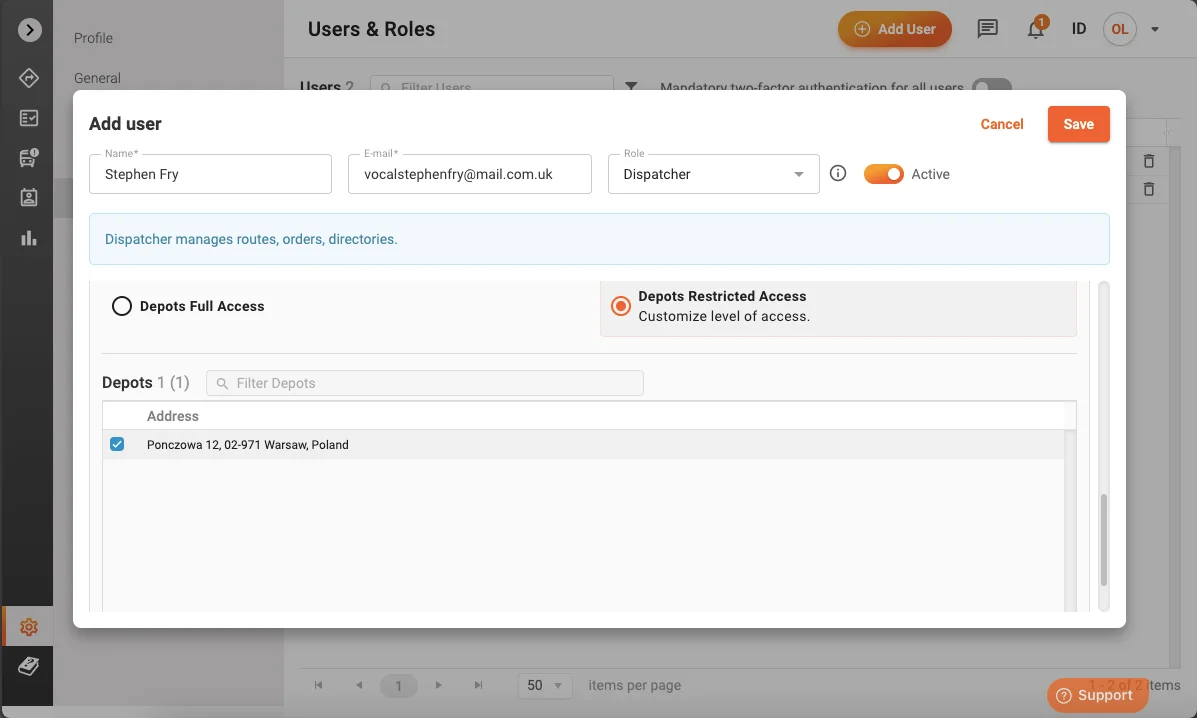
When configuring Depots permissions, you can select Depots Full Access or Depots Restricted Access. If you choose Depots Restricted Access, you can pick individual depots from your system and grant the user access to only those selected depots. This setup is especially useful if you have multiple warehouses and want to ensure that each user only manages orders from specific locations.
Enhanced user management and permissions in Track-POD empower your team to work efficiently and securely. By enabling Dispatchers to reschedule uncompleted orders and providing detailed control over route and other module permissions, Track-POD ensures every user has the precise access they need to perform their tasks effectively.
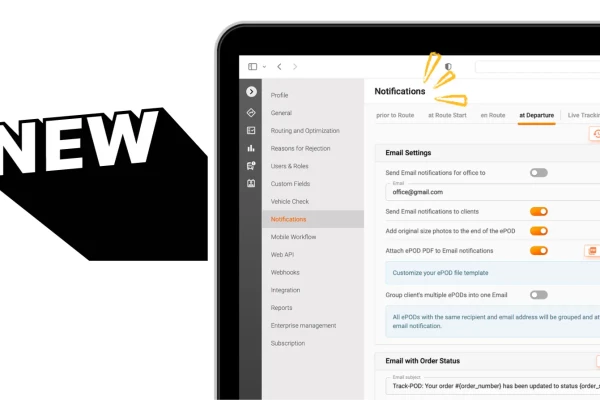
Delivery notifications in Track-POD Web are better than ever. Check out the new look of our notifications settings + brand-new features you can use today to get the most out of shipping updates.
Read More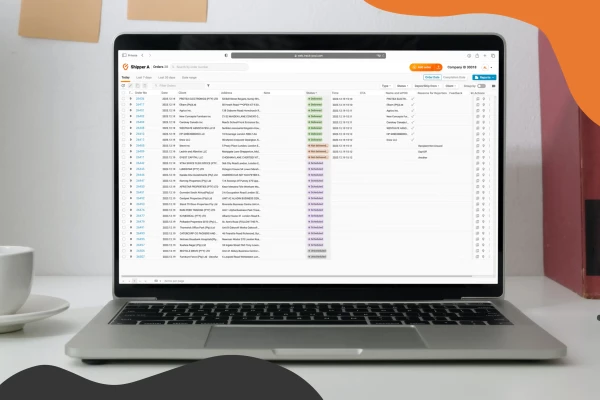
Use Track-POD client portal software to create accounts for your shippers and let them add, track, print shipping labels, and download Proof of Delivery for their orders.
Read More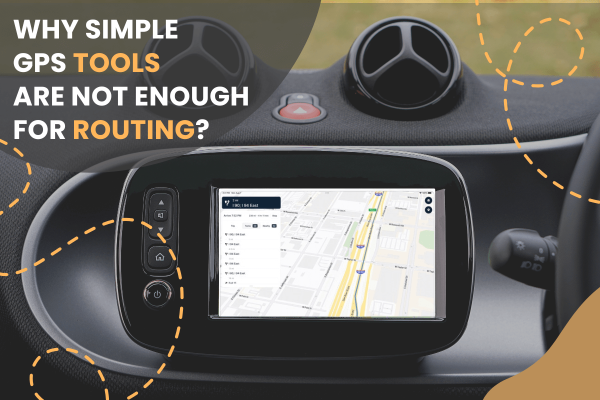
Track-POD integrates with leading navigation apps, including Google Maps, Waze, Hammer, HERE We Go, Sygic, Mapy. cz, and now TruckMap. Choose the GPS navigator that best suits your business needs in 2026.
Read More