

Rates & Billing: Rates, Surcharges and Taxes
A closer look at Rates & Billing: the eight rate types, flat-rate surcharges, how overlapping services combine, how taxes stack, when charges are recalculated, and where to review them.
Read More
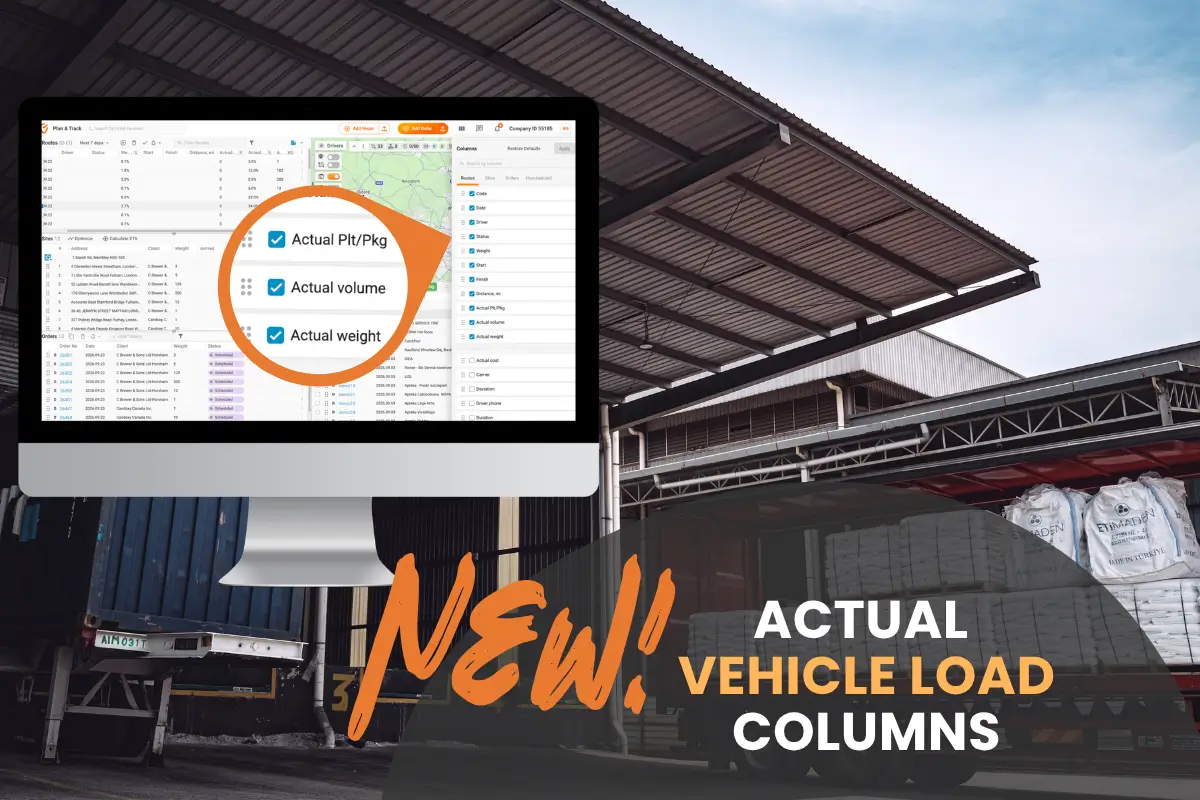
A new pickup request comes in at 2 p.m., and the nearest vehicle is halfway through its route. It has already dropped off several orders and collected a couple of returns, so the dispatcher has to work out whether the extra load will fit. The planned weight on the route doesn't answer that, because it describes the vehicle at departure.
The new actual load columns in Plan & Track fill that gap, and they're available on every Track-POD plan. They show what's in the vehicle at this moment, based on what the driver has delivered and collected so far.
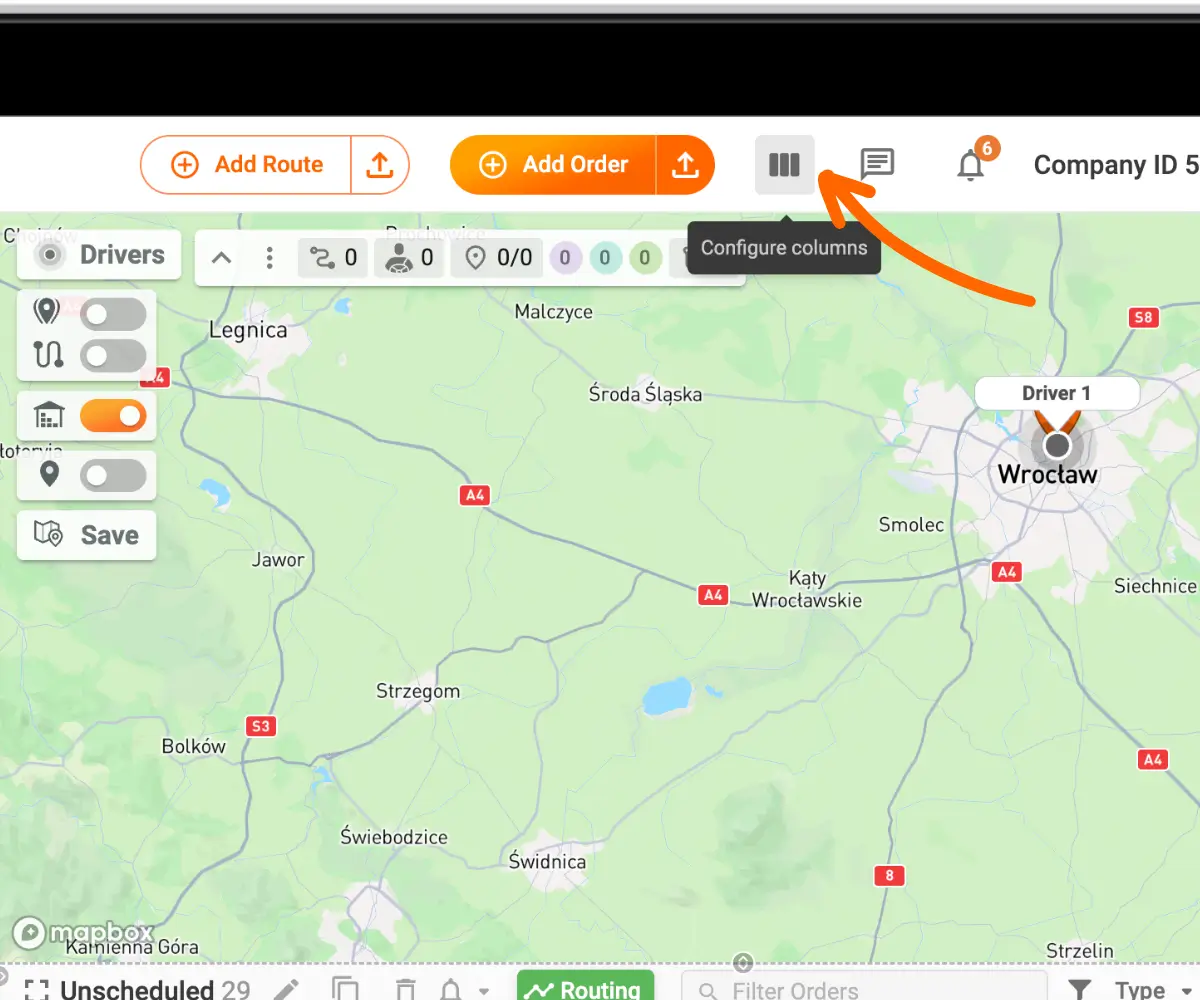
Routes in Plan & Track can now show Actual weight, Actual volume and Actual pallets. To add them, go to Configure columns to the right of the Add Order button in the top panel.
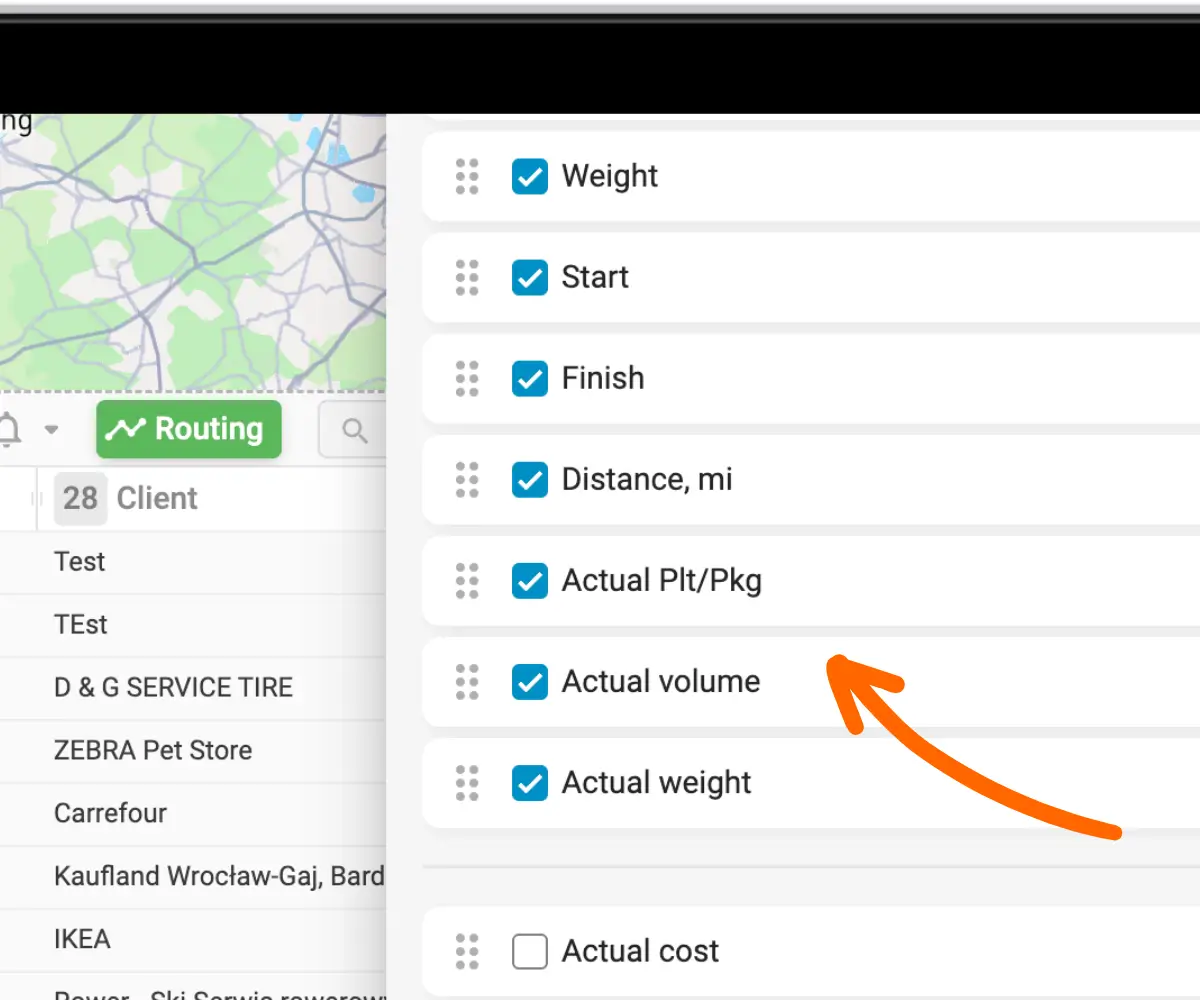
Tick the three Actual options for routes and click Apply. The columns appear in the routes section to the right.
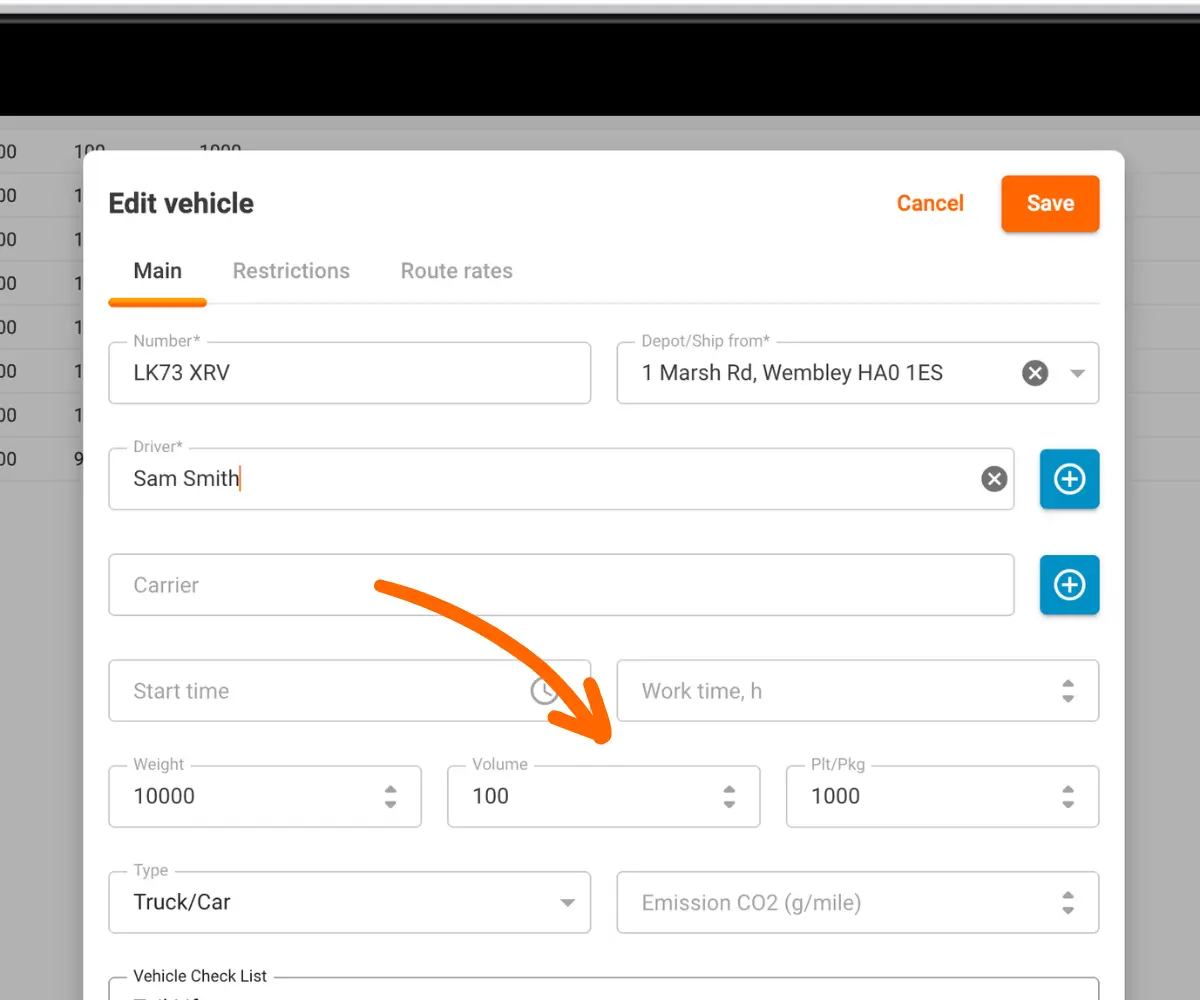
The columns compare two sets of values. The first is order capacity, meaning the weight, volume and pallet count entered in the Capacity section of each order. The second is vehicle capacity, meaning the maximum weight, volume and pallets set for each vehicle under Vehicles in Directories.
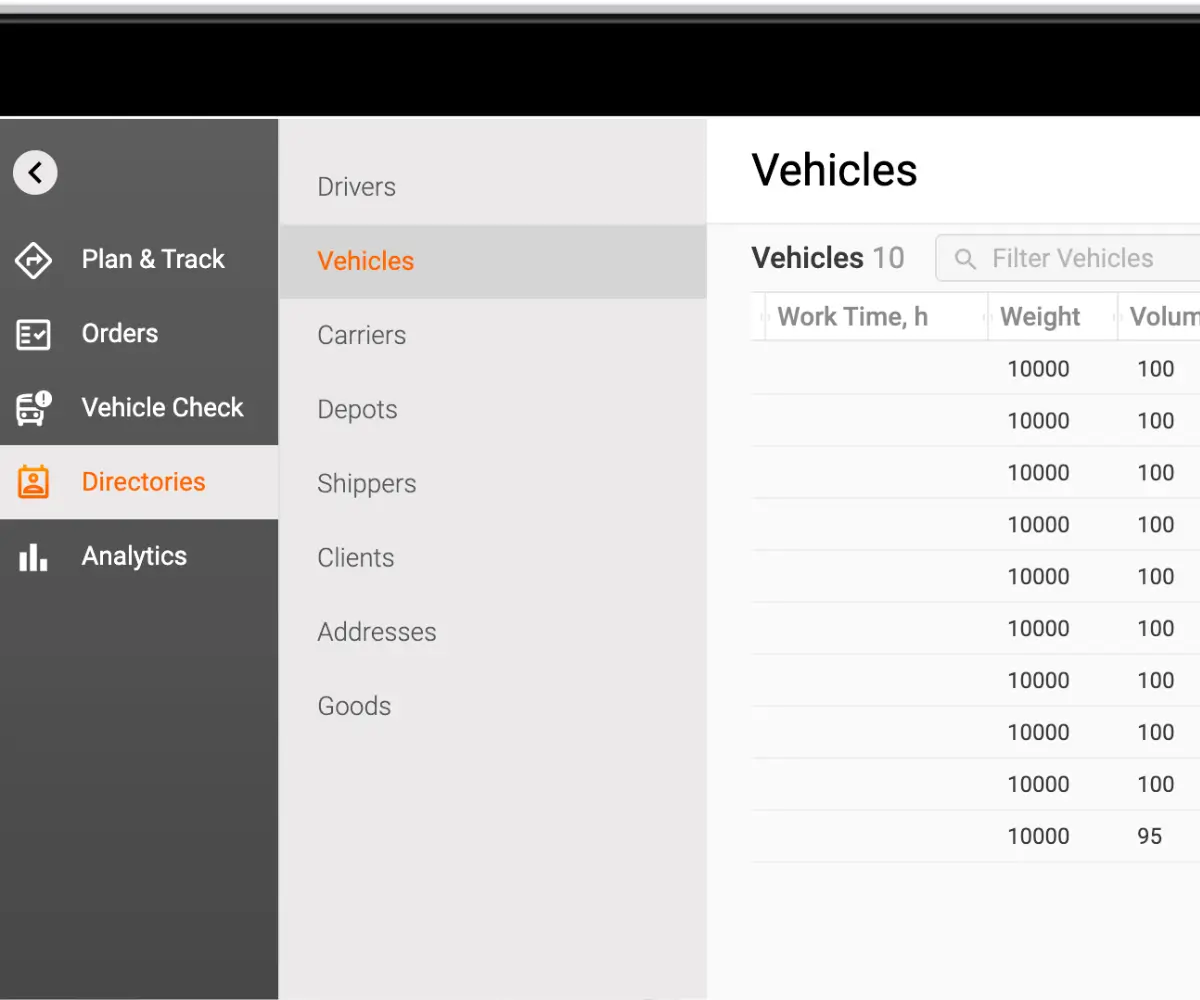
By default, vehicle capacity is set high enough for any load to fit. Before relying on the new columns, enter the real limits for each vehicle, or the percentages will stay close to zero.
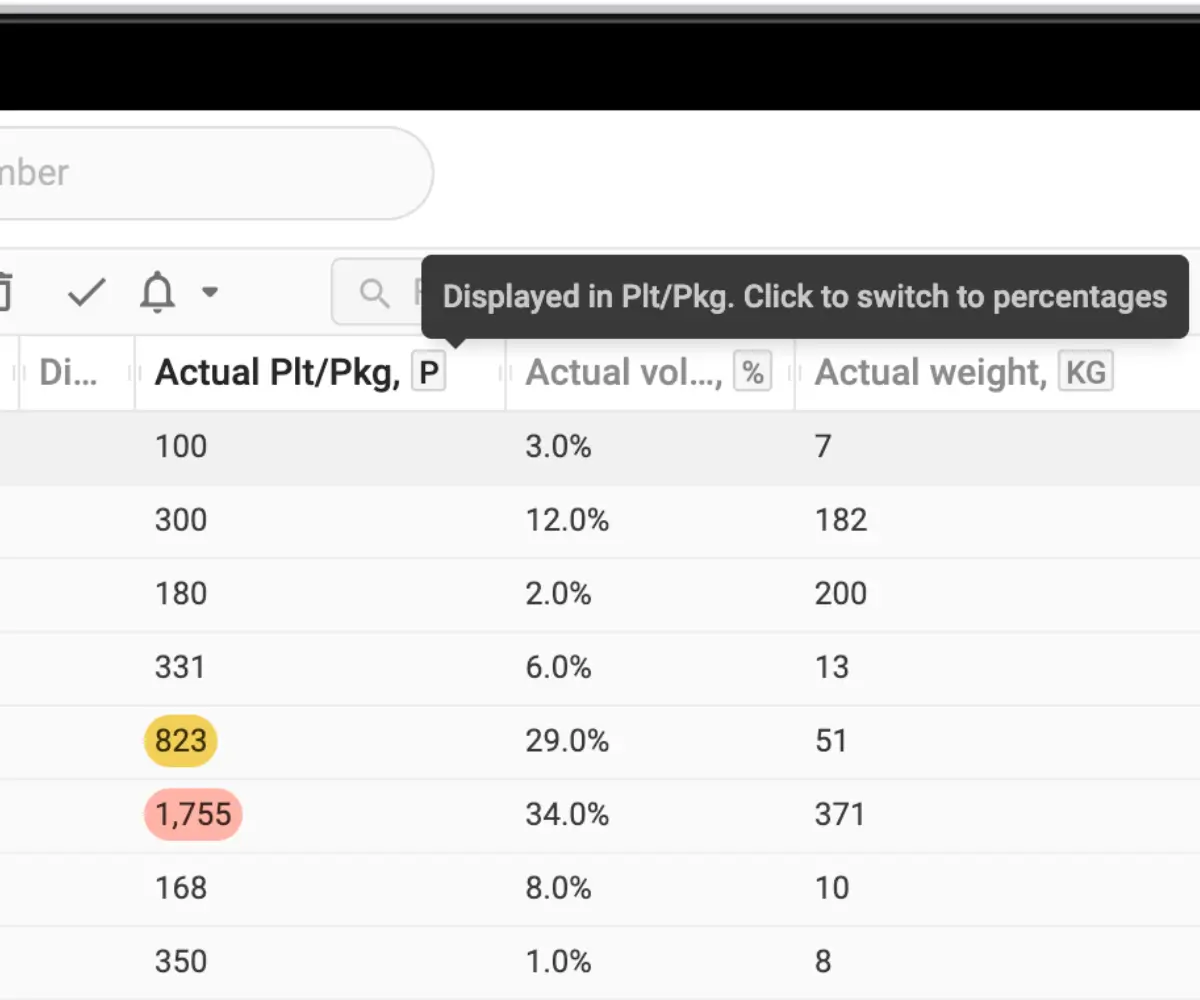
Each column can show the load as a percentage of vehicle capacity or as an exact figure in your units. Click the % sign in the column header to switch between the two.
Cells are colour-coded so that a nearly full vehicle stands out in a long list of routes. From 80% of capacity the value is outlined in yellow, and from 100% it turns red.
Most routes mix deliveries and collections, so the load goes up and down between stops. The Actual columns follow each order through its lifecycle:
The existing Weight column still shows the total planned for the route. The Actual columns show only what's on board at the current moment.
New collection points often turn up while vehicles are already on the road. Until now, the dispatcher had no quick way to tell whether the goods would fit, so adding the order to a particular route came down to a guess. With the Actual columns next to live tracking, it takes one look at the routes table to see which vehicle has room and which one is close to its limit.
Actual weight, volume and pallets show the current load of each vehicle and update as drivers deliver and collect. Set real capacity limits for each vehicle in the Vehicles section of Directories, turn on the columns in Plan & Track, and let the yellow and red outlines show which vehicle has room for the next pickup.
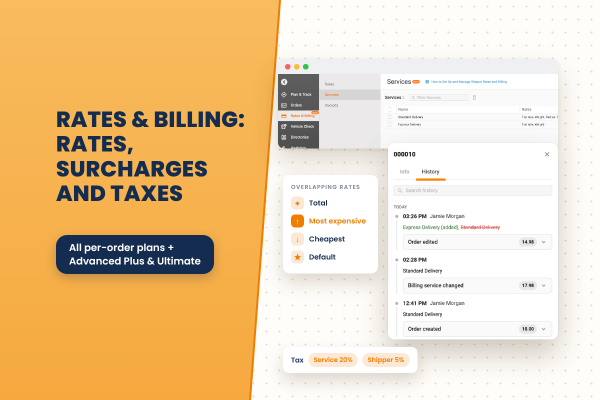
A closer look at Rates & Billing: the eight rate types, flat-rate surcharges, how overlapping services combine, how taxes stack, when charges are recalculated, and where to review them.
Read More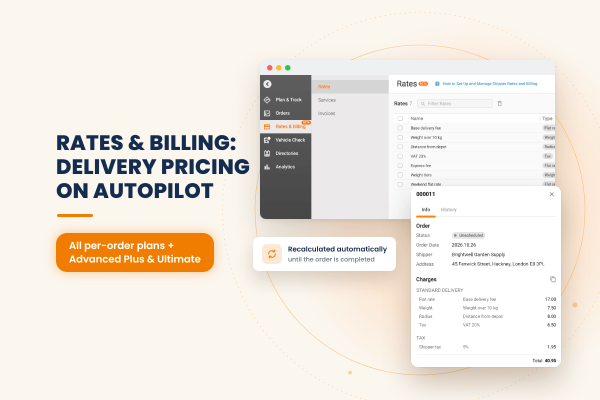
Track-POD now calculates delivery charges for you. Build pricing rules once, assign them to your shippers, and each order is priced automatically, updated as the order and its route change and frozen once it is completed.
Read More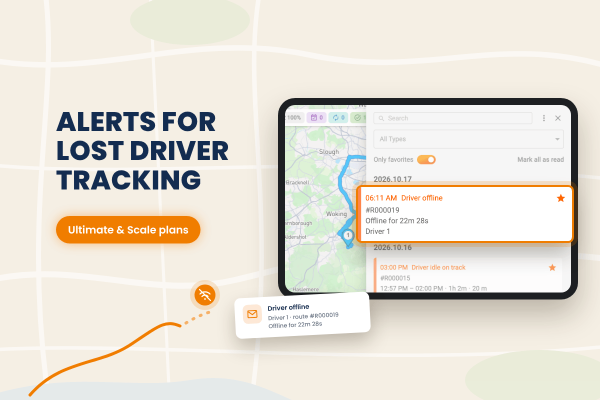
Track-POD now alerts dispatchers when a driver goes offline. You decide how long a driver can be idle or offline before the alert fires, and notifications can also arrive by email through your own mail service.
Read More