

Rates & Billing: Rates, Surcharges and Taxes
A closer look at Rates & Billing: the eight rate types, flat-rate surcharges, how overlapping services combine, how taxes stack, when charges are recalculated, and where to review them.
Read More
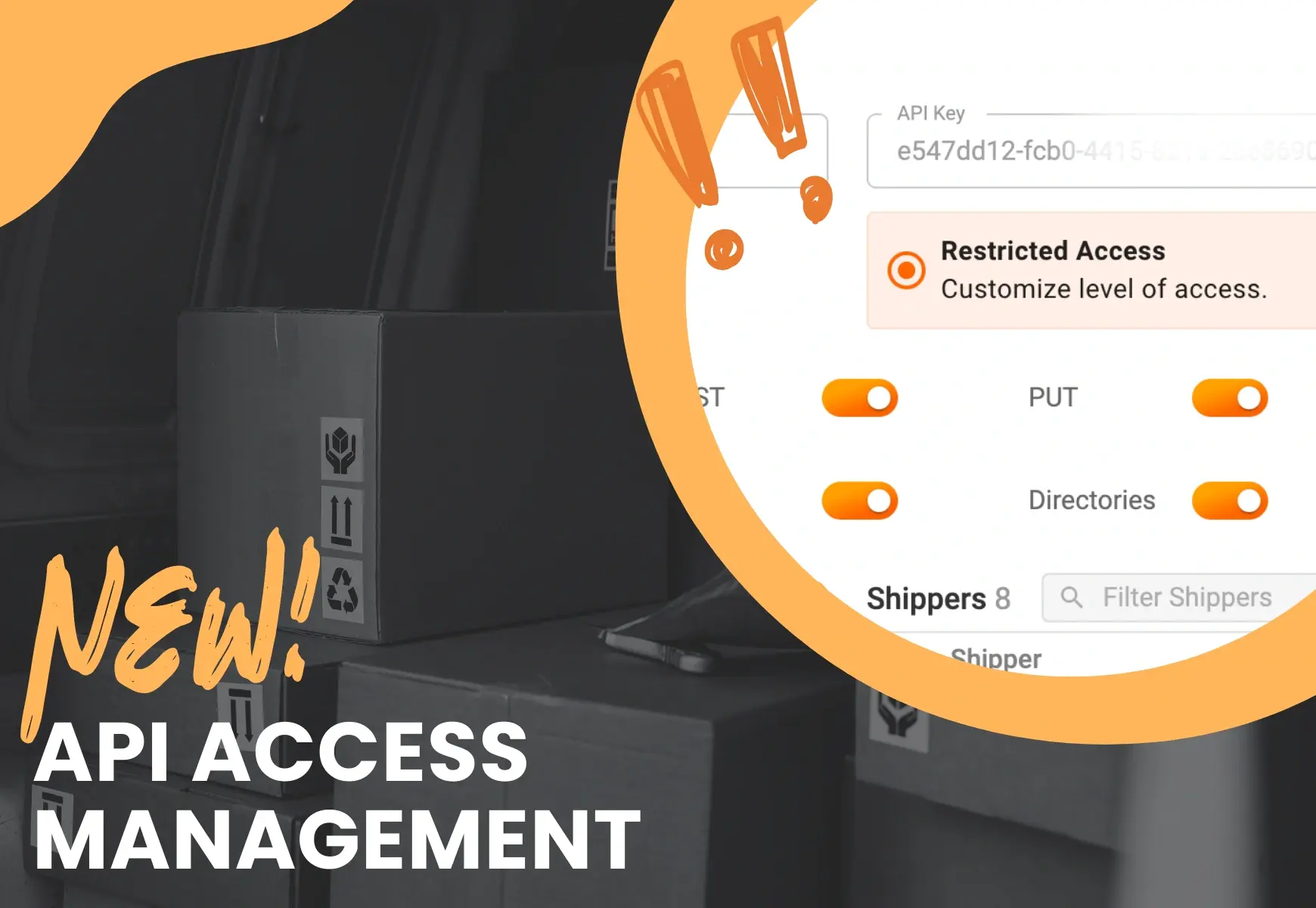
API is an essential part of automating order management and scheduling deliveries. This functionality allows you to import orders directly from the order management system you are currently using.
Keep reading to find out how to limit access to specific routes, directories, or orders for certain depos and/or shippers inside the Track-POD platform. Here comes a new functionality called restricted access for Track-POD’s API access management.
If your business has multiple shippers and depos that manage orders, routes, and depositories, then applying restricted access within API management will be a life-changer for you. By limiting access to API, you can achieve the following results:
Track-POD’s API provides an easy HTTP interface through JSON or XML. Precise instructions on integrating to Track-POD through API can be found here.
Let’s dig deeper inside the platform and see the actual steps below on how to access and utilize this functionality using Track-POD:
1. Login to Track-POD platform.
2. Click the “Settings” icon on the screen's left bottom corner.
3. Then select “Integrations”.
4. Then, choose the “Web API” option.
5. The next step is to select the “Add API key” icon on the top right screen.
6. After clicking “Add API key,” you will see the screen below.
7. There are two main options on managing API key accesses:
One is “full access,” and the other is “restricted access”
8. When you select “restricted access,” you have multiple levels of restricting access.
Your options include selecting specific shoppers, depots, or both and limiting access.
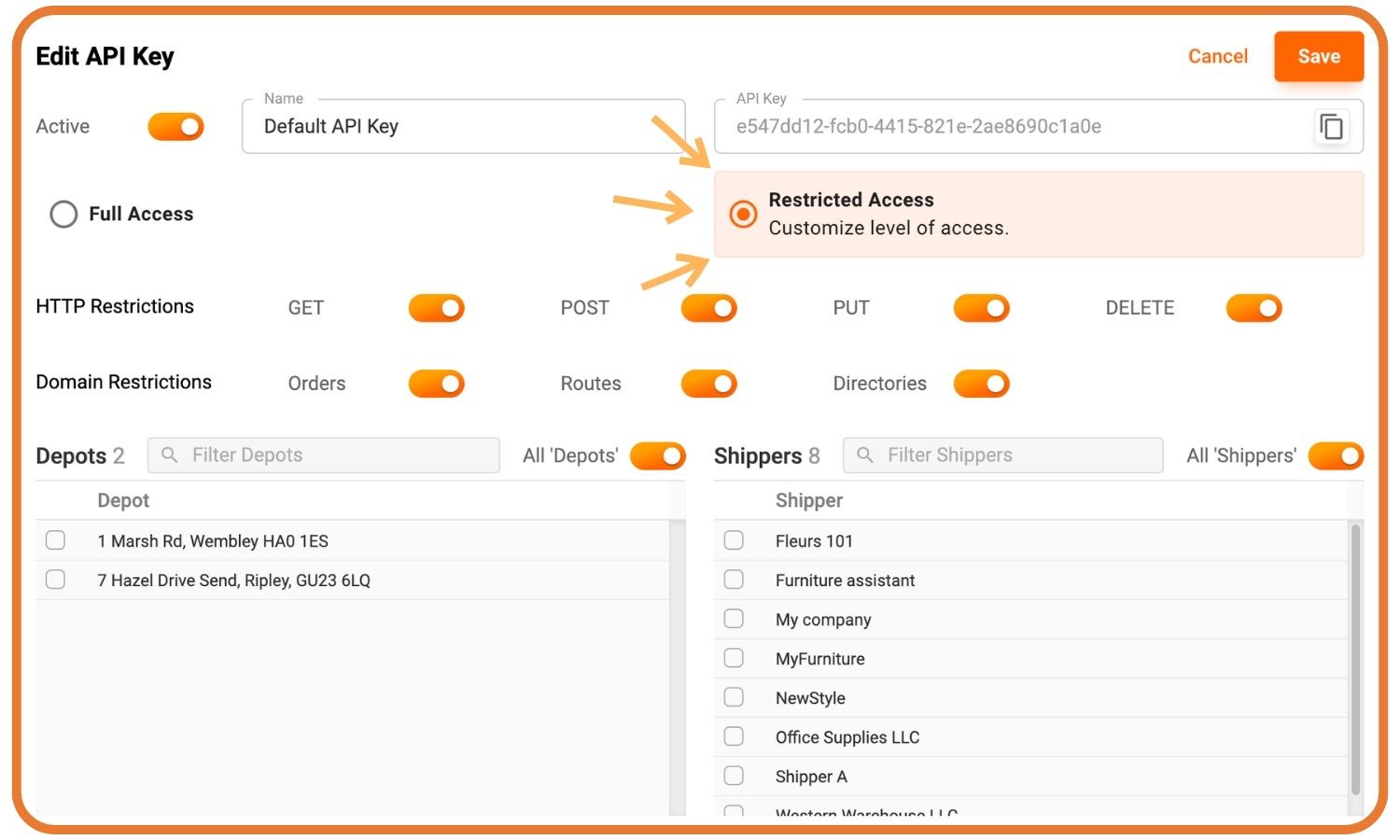
Inside the “Restricted Access” field when managing API key accesses, you will see
HTTP restrictions and Domain restrictions.
Here is what HTTP restrictions mean:
“GET” means viewing orders, routes, or directories based on the domain restriction applied.
“POST” allows importing orders, routes, or directories based on which domain restriction applied.
“PUT” means editing orders, routes, or directories based on which domain restriction applied.
“DELETE” means deleting orders, routes, or directories based on which domain restriction applied.
Get a free 7-day trial at Track-POD and experience the benefits of simplified delivery management, last-mile delivery route optimization, and streamlining order management with API and integrations.
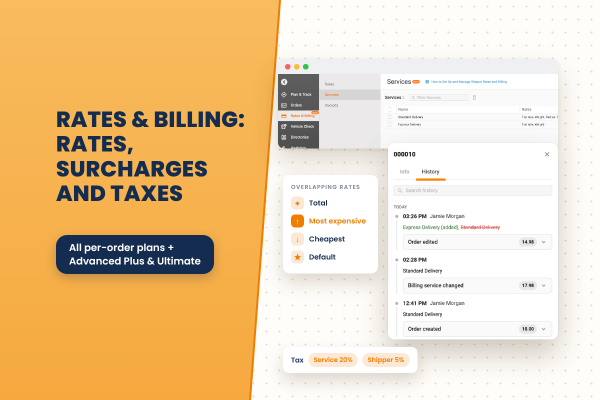
A closer look at Rates & Billing: the eight rate types, flat-rate surcharges, how overlapping services combine, how taxes stack, when charges are recalculated, and where to review them.
Read More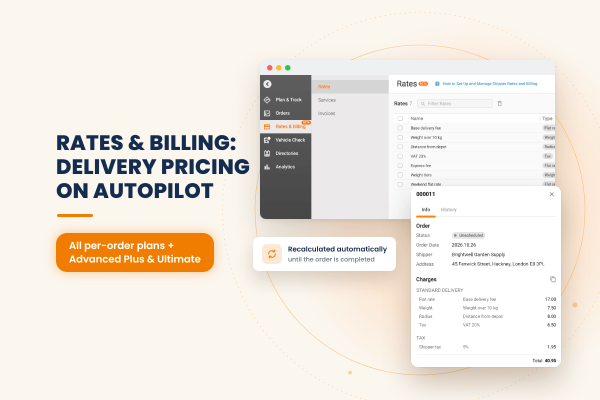
Track-POD now calculates delivery charges for you. Build pricing rules once, assign them to your shippers, and each order is priced automatically, updated as the order and its route change and frozen once it is completed.
Read More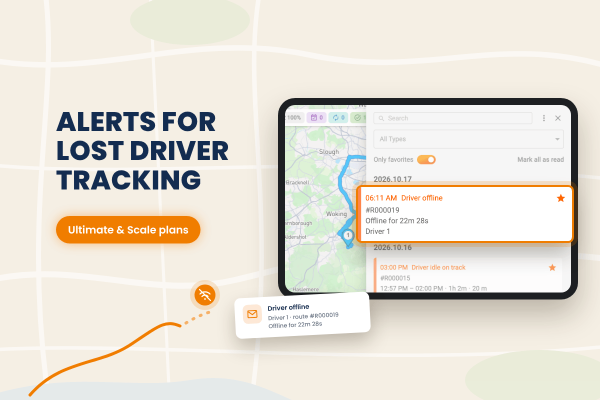
Track-POD now alerts dispatchers when a driver goes offline. You decide how long a driver can be idle or offline before the alert fires, and notifications can also arrive by email through your own mail service.
Read More