

Rates & Billing: Rates, Surcharges and Taxes
A closer look at Rates & Billing: the eight rate types, flat-rate surcharges, how overlapping services combine, how taxes stack, when charges are recalculated, and where to review them.
Read More
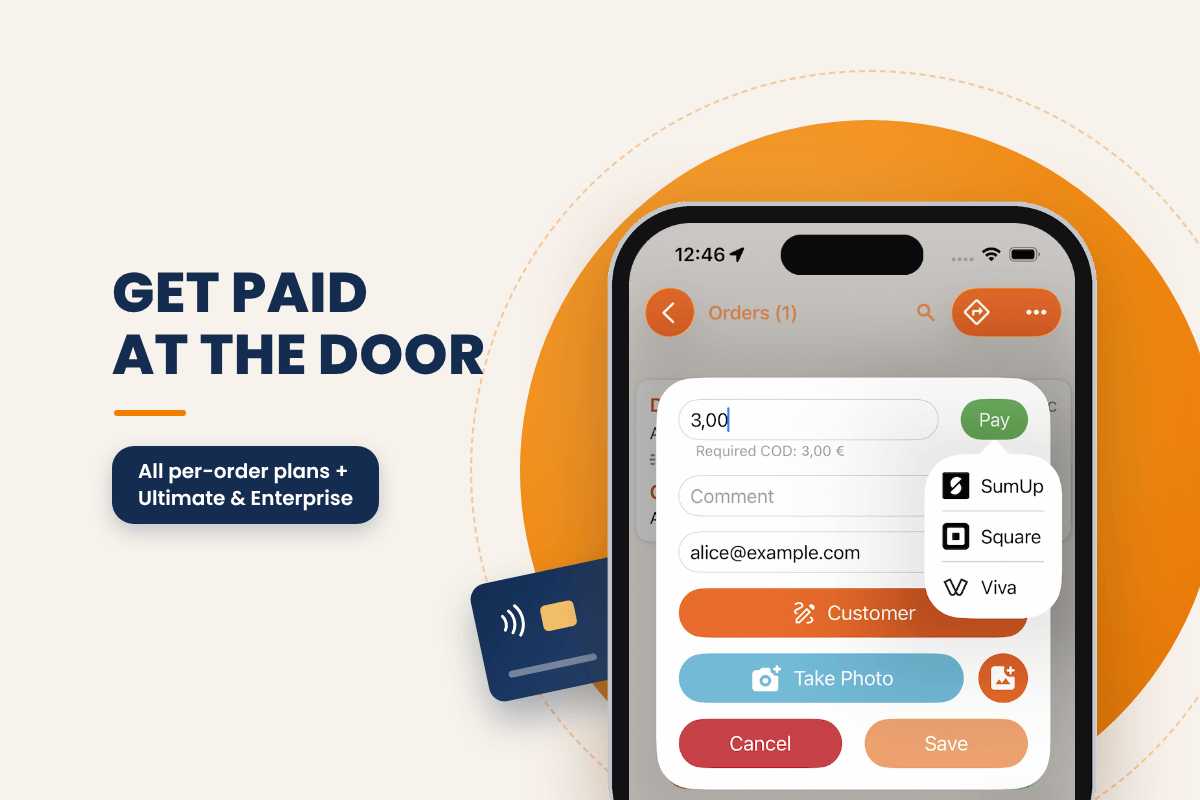
When a customer pays on delivery, the money part of the stop often happens outside the delivery app. The driver works out what's owed, switches to a payment app or takes cash, and the office later has to match payments against orders.
Track-POD now brings that step into the delivery itself. At the proof of delivery screen, the driver enters the amount due, taps Pay and finishes the transaction in Square, SumUp or Viva Wallet, the payment app already installed on their phone. Payment collection is available on all per-order plans and on the per-driver Ultimate and Enterprise plans.
The driver follows the usual delivery workflow, and payment becomes one more step at the stop:
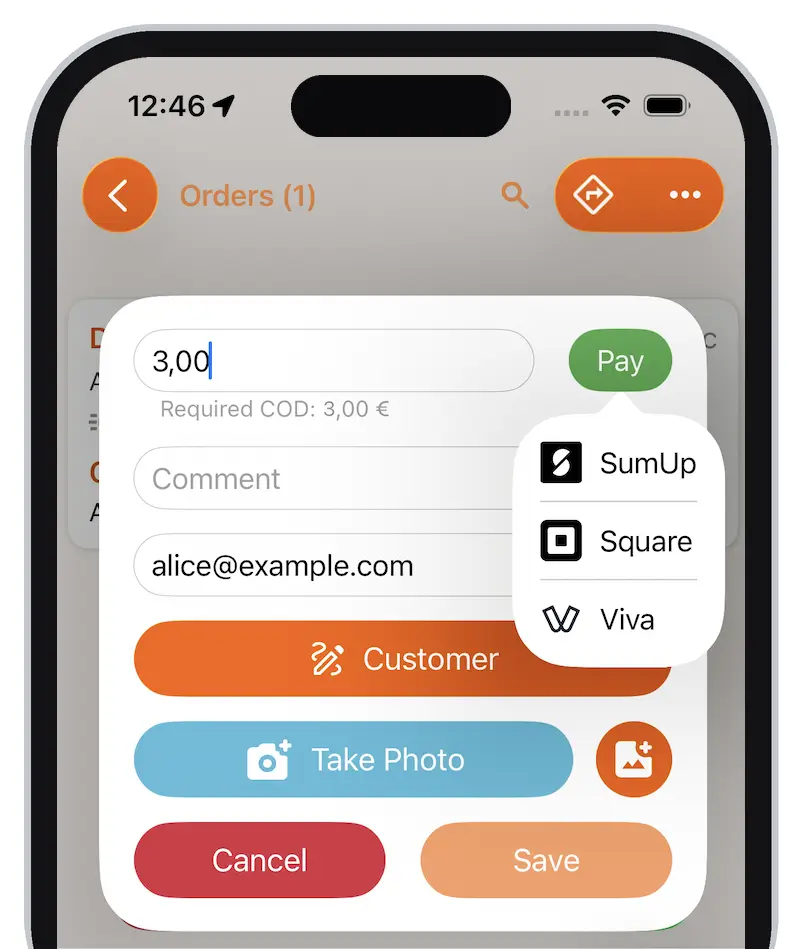
Payment sits inside the delivery workflow, so the driver goes from proof of delivery to payment without hunting for the right app between stops.
Track-POD works with three major payment providers: Square, SumUp and Viva Wallet. Use the one your business already has an account with. The driver's phone needs that provider's app installed and set up, and the provider needs to be connected to your Track-POD account.
Three things need to be in place before a driver can take payment at the door.
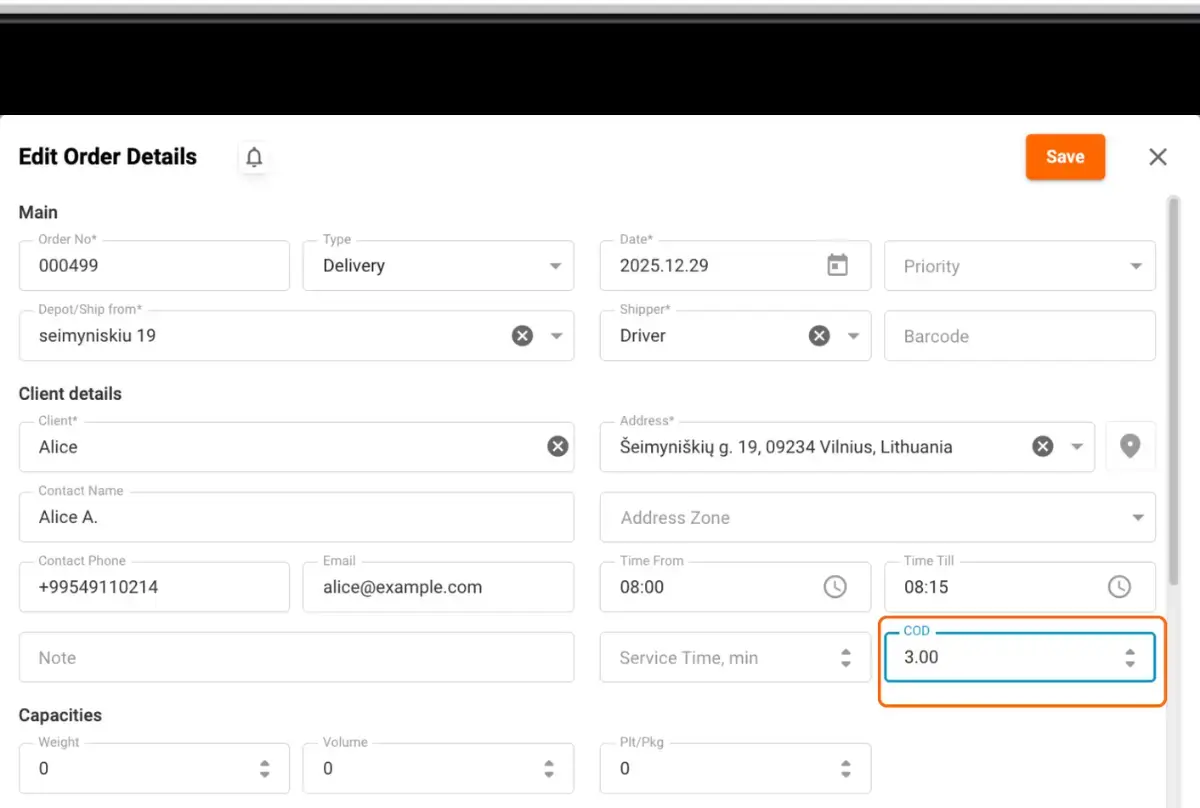
The driver can see the COD amount. Payment collection works through the order's COD (cash on delivery) field.
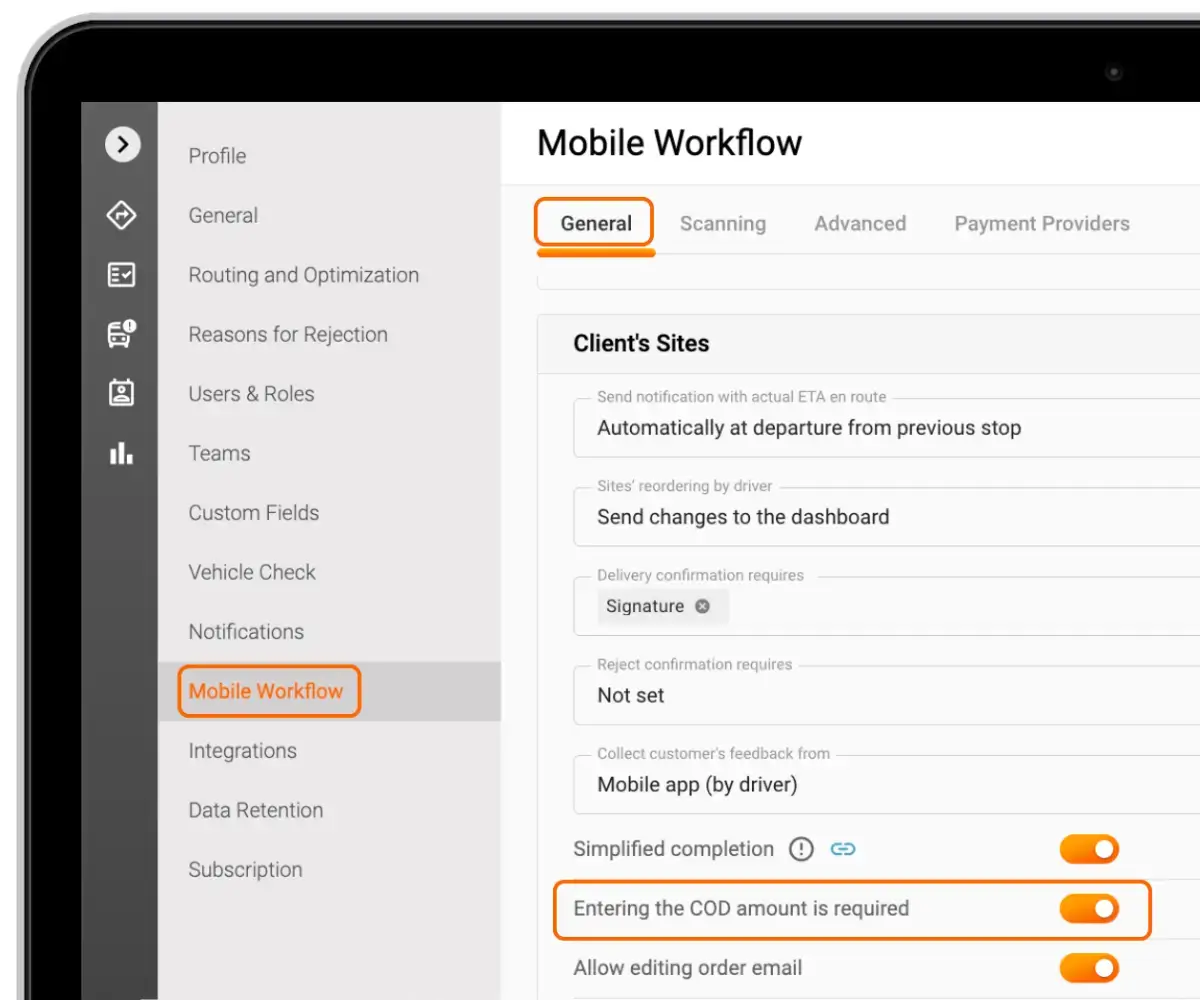
Either switch on Entering COD is required in the Mobile Workflow settings, or enter the COD value in the order details.
The payment app is on the driver's phone. Download Square, SumUp or Viva Wallet and set it up on each device before the first delivery that needs payment.
The provider is connected to Track-POD. Link your Square, SumUp or Viva Wallet account to your Track-POD account using the guides linked above.
Once these are done, drivers follow their regular delivery workflow, and the Pay button is there whenever a customer pays on delivery.
For businesses that work with cash on delivery, taking payment at the door is one less thing for drivers to juggle. Payment is tied to the order's COD field, the transaction runs through a provider you already trust, and the whole stop stays inside the driver app. Customers get a familiar way to pay, and drivers get a quicker handover.
Track-POD drivers can take payment at the point of delivery. On the proof of delivery screen they enter the amount due, tap Pay and finish the transaction in Square, SumUp or Viva Wallet. To use it, make the COD field available to drivers, install the payment app on their phones and connect the provider to your Track-POD account.
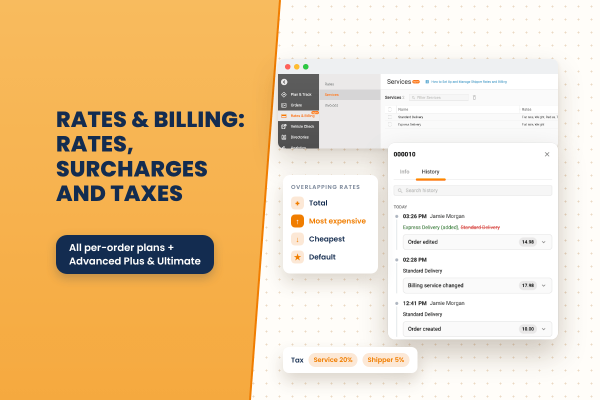
A closer look at Rates & Billing: the eight rate types, flat-rate surcharges, how overlapping services combine, how taxes stack, when charges are recalculated, and where to review them.
Read More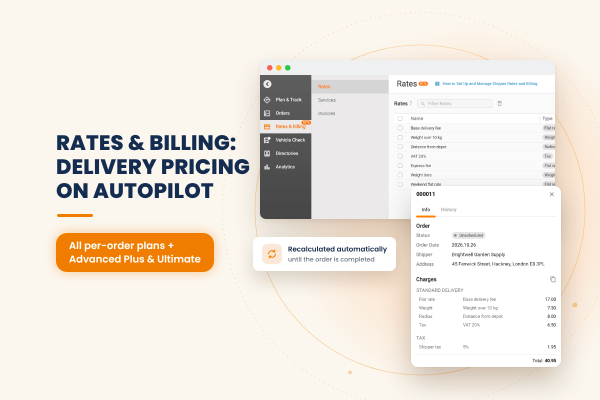
Track-POD now calculates delivery charges for you. Build pricing rules once, assign them to your shippers, and each order is priced automatically, updated as the order and its route change and frozen once it is completed.
Read More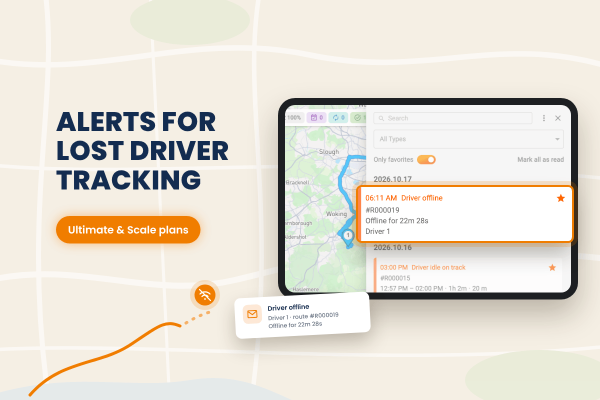
Track-POD now alerts dispatchers when a driver goes offline. You decide how long a driver can be idle or offline before the alert fires, and notifications can also arrive by email through your own mail service.
Read More